Find verified step-by-step cancellation guides for major car wash memberships. Compare cancellation methods, notice periods, refund policies, and jump to detailed instructions.
You can Cancel your “Bliss Car Wash membership” online through official website or mobile app.
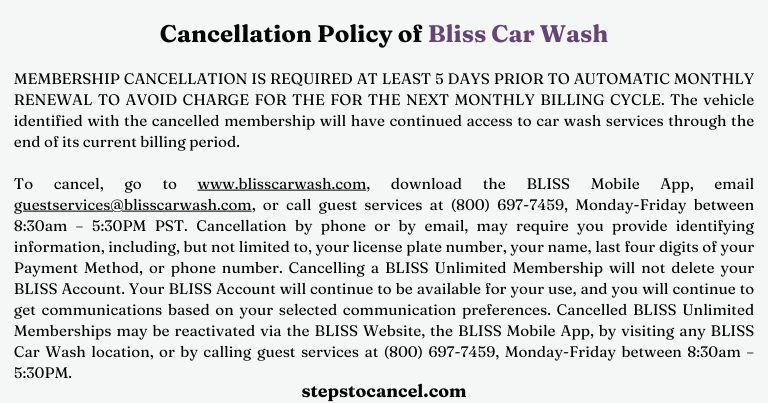
You must submit cancellation request atleast 5 days earlier before next billing period.
Contact corporate or customer support through email or phone calls, if you fail to cancel your subscription.
Let’s face it—feeling trapped by a subscription with unexpected charges is frustrating. Whether it’s the jump from a $10 promo to full price or just not needing the service
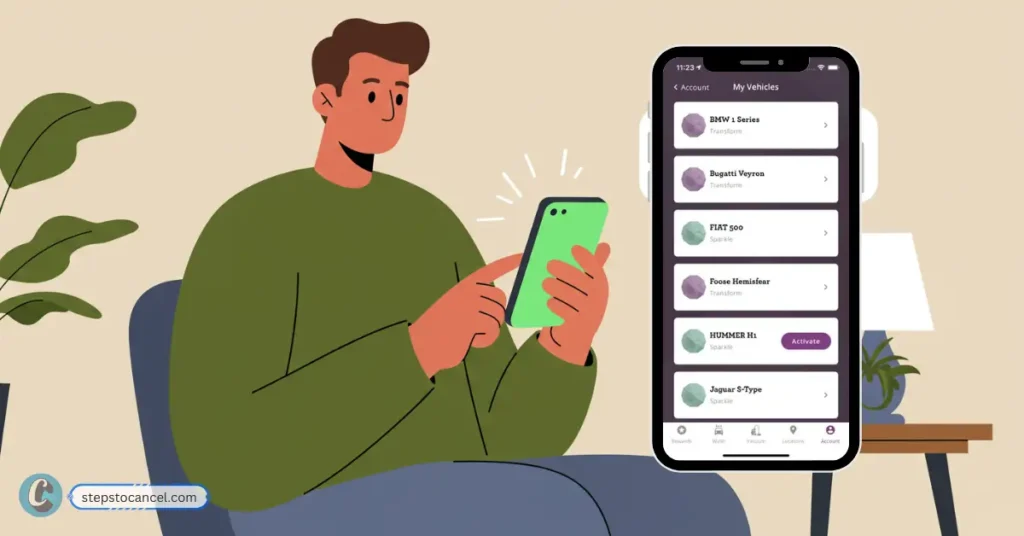
To Cancel Bliss Car Wash Membership through mobile phone, follow the steps listed below.
Step 1: Open Bliss Car Wash Mobile Appand Sign in
Open Bliss Mobile App, f you don’t have it, download it from the App Store or Google Play.
Then, login to your existing Bliss account using your phone number or email address. If you’re locked out, hit the “Forgot Password” option to reset it.
Step 3: Go to Account Settings
Once logged in, tap on “Account” from the main menu, then select “Vehicle Memberships.” to see your plans.
Step 4: Select Vehicle to Cancel
Pick the vehicle linked to your membership, scroll to “Downgrade or Cancel,” and tap it to start cancellation.
Step 5: Confirm Cancellation and Verify
Choose “Cancel,” confirm via prompts, ensure a confirmation pop-up or email appears, and check your bank statement later.
How to Cancel Bliss Car Wash Membership through Website?
Step 1: Visit the Website
Open www.blisscarwash.com url on your web browser availabel in both computer or mobile phone.
Step 2: Sign In or to your account
Click on the Sign In button, location at top right corner, and sign in with your phone number or email.
You can enter the phone number you used to sign up for Bliss Car Wash membership to receive a verification text. If you signed up with only an email, click “Forgot Password” to recive acces via email.
Step 3: Access Membership Settings
Navigate to “Account” or “Manage Membership” in the menu to view your active subscriptions or vehicle memberships.
Step 4: Select Vehicle and Cancel
Choose the vehicle tied to your membership, find “Downgrade or Cancel,” and select “Cancel” to stop the subscription.
Step 5: Confirm and Check Billing
Follow prompts to finalize, ensure you get a confirmation message or email, and monitor your bank for sneaky charges.
Cancel Bliss Car Wash through Phone: Call (800) 697-7459, during business hours from Mon–Fri, at 8:30 AM–5:30 PM PST. Provide name, license plate, phone, and last 4 digits of payment method.
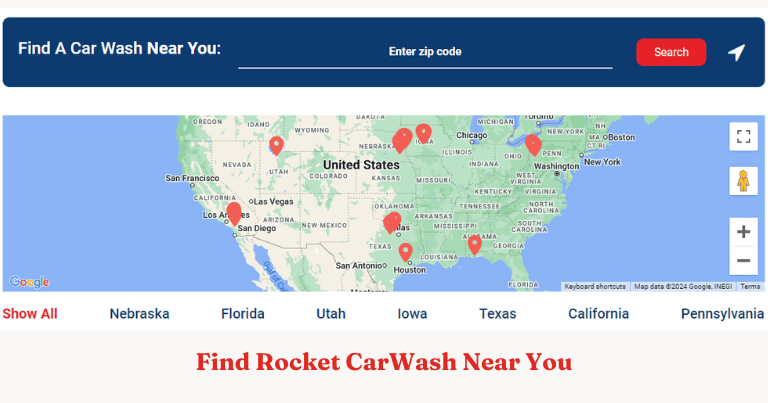
Rocket Car Wash serves customers across Nebraska, Iowa, Pennsylvania, Texas, Utah, California, and Florida. With 25 locations and 2 more on the way, it’s easy to find a Rocket Car Wash near you!
However, we understand that sometimes you may need to cancel your subscription due to changes in your routine, relocation, or simply a shift in your car maintenance needs.
Key Points
Advance Notice: Cancellations must be received and documented at least 7 days before your billing date to avoid being charged for the upcoming month. This applies to all cancellation requests.
Confirmation Required: It is essential to speak with a support center representative to confirm your cancellation. This step is crucial, as additional information may be needed to process your request or to locate the correct account and vehicle.
Processing Time: While the cancellation request can be initiated immediately, it may take up to 7 days for the cancellation to be fully processed.
No Partial Refunds: Rocket Carwash does not provide partial refunds for early cancellations.
Cancellation fees: No, early termination fees will be charged.
Cancellation methods for all the 25 locations of Rocket Carwash are the same. We’ve outlined three straightforward cancellation methods with step-by-step instructions to make the process easy for you.
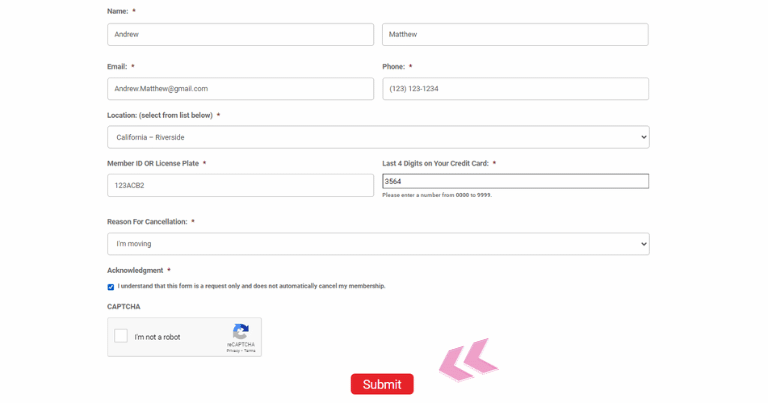
Personal Information: Enter the information you provided during sign up such as your Full Name, Email, and Phone Number, and then select your Location from the dropdown menu.
Vehicle Information: You must provide your Member ID OR License Plate to verify your membership with the company.
Last 4 Digits on Your Credit Card: Provide the last 4 digits of your Credit Card from which you’ve been paying for their car wash service.
Reason for Cancellation: Select one of the appropriate or similar reasons for your cancellation from the menu.
Acknowledgmentand Captcha: You must know that this form is a request only and does not automatically cancel my membership. Then solve the captcha.
To cancel your membership via phone call the company at 1-833-712-1747 during the business hours on weekdays from Monday to Friday from 9 AM to 5:30 PM CST.
Cancel Membership via Visit in Location
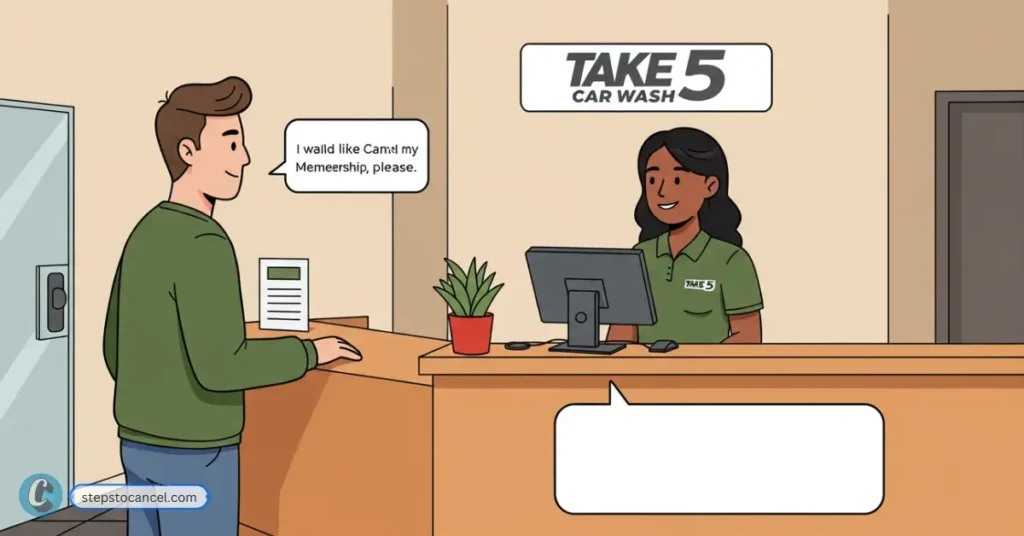
Cancellation via visit in person to the nearest Rocket Car Wash location is the easiest and most successful way.
You can visit your car wash location or fill up a cancellation form at the nearest branch which is available to you.
Your request will be processed and once it is complete you must receive a confirmation email from the company, if not then I recommend you ask for one in the future.
How do I update the payment method?
To update your payment method you can visit any of the car wash locations ask the representative for help or simply fill up an update form.
It is a rapidly growing company currently located in 7 states in the United States of America including Nebraska, Iowa, Pennsylvania, Texas, Utah, California, and Florida. So, you might need to dig in a little to find the contact details of your service center.
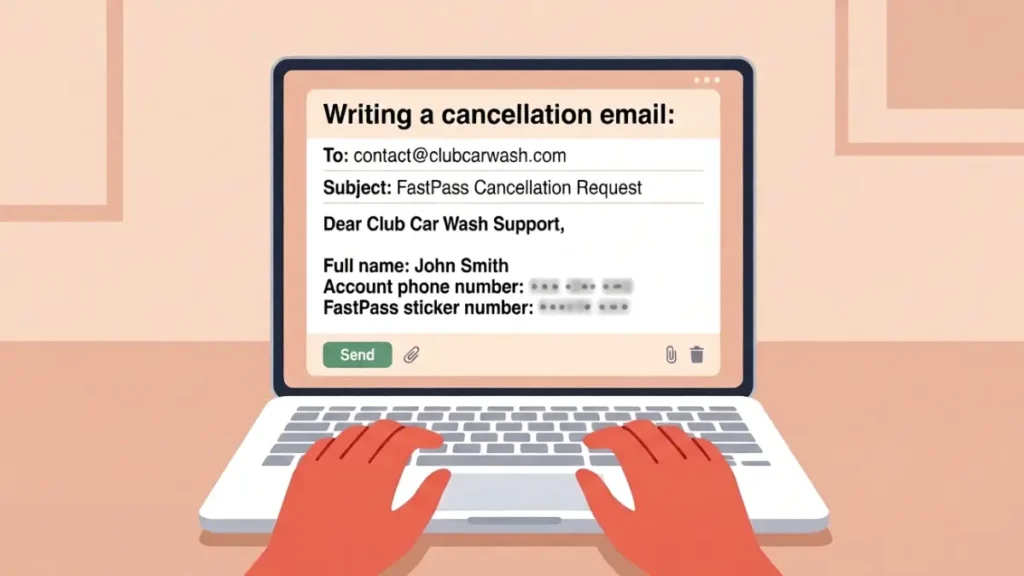
You can cancel your Club Car Wash membership anytime by calling, sending an Email, or online through their website or App.
Club Car Wash membership cancellation takes less than five minutes online. This guide covers all four official cancellation methods, the exact policy terms you need before you start, and the mistakes past members made so you do not have to.
What You Need Before You Cancel
Club Car Wash requires one of the following to locate your account:
Phone number linked to your membership
FastPass sticker number — the barcode printed on your windshield sticker
Tip: Photograph your FastPass sticker before you start. Members consistently report this number as the single biggest obstacle during online cancellation.
CRITICAL NOTE: You must use the exact phone number linked to your existing Club Car Wash account to log in or create your app profile. If you use a different number, the system will not sync, and your membership details will not load.
Step 2: Open the Profile Menu
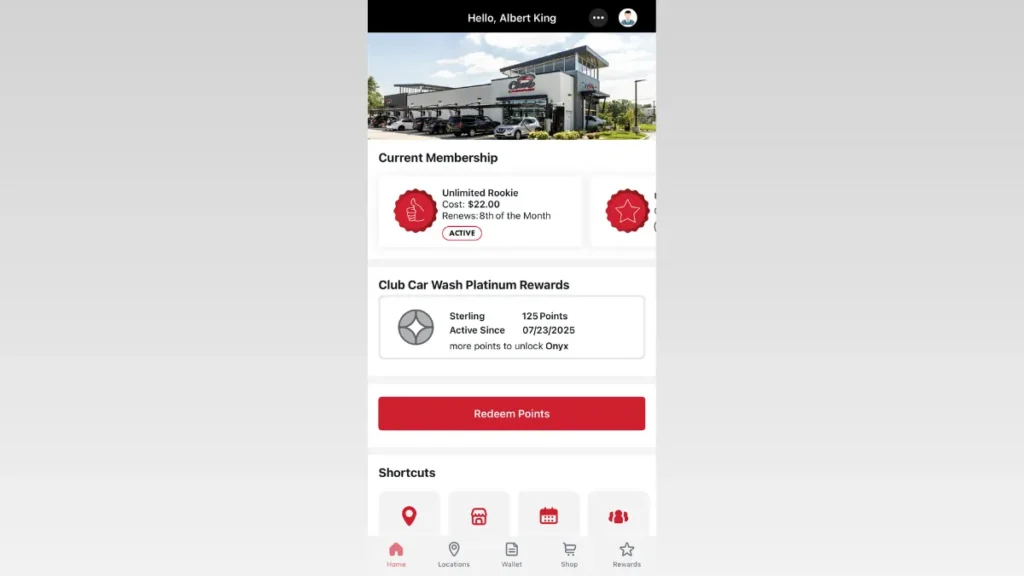
From the app’s home screen,Tap on three-dots button located in the top-right corner of the header.
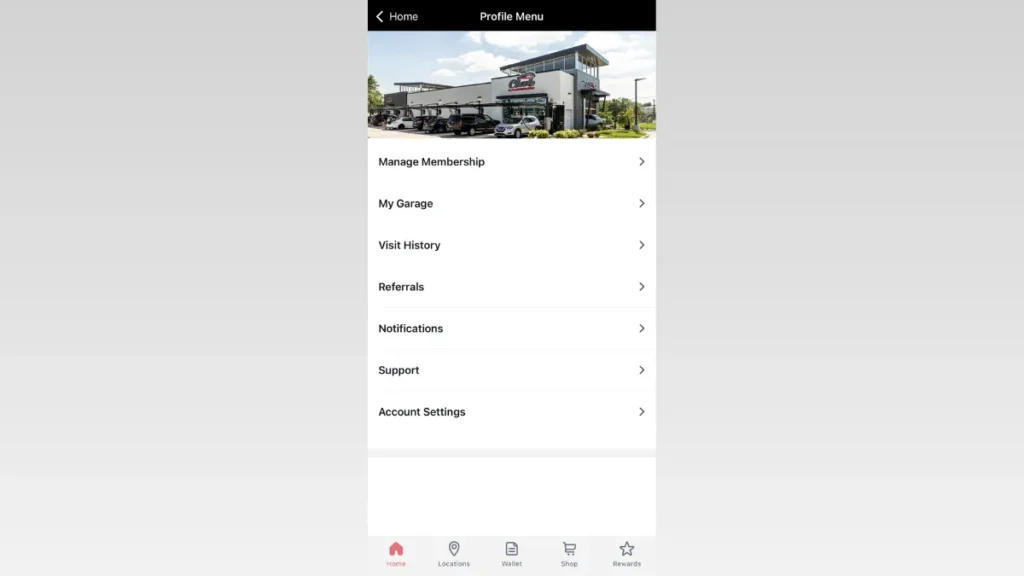
Step 3: Select “Manage Membership”
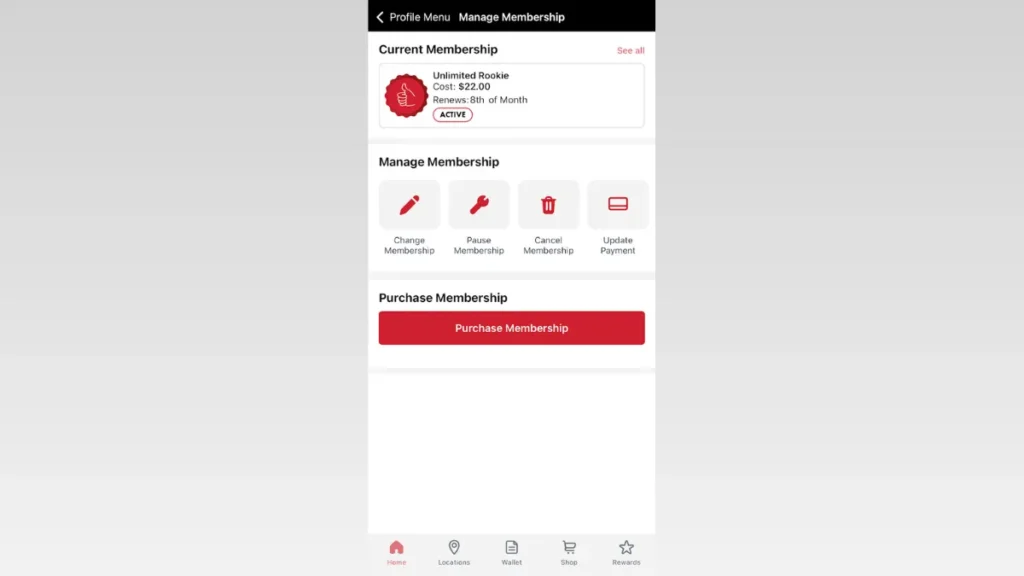
Once inside the Profile Menu, tap the “Manage Membership” option at the top of the list.
Step 4: Select the “Cancel Membership” Button
The account control panel contains an explicit button to request subscription termination.
Under the active subscription card, look for the row of utility icons and tap the Cancel Membership option (identified by the red trash can icon).
Step 5: Confirm the Cancellation
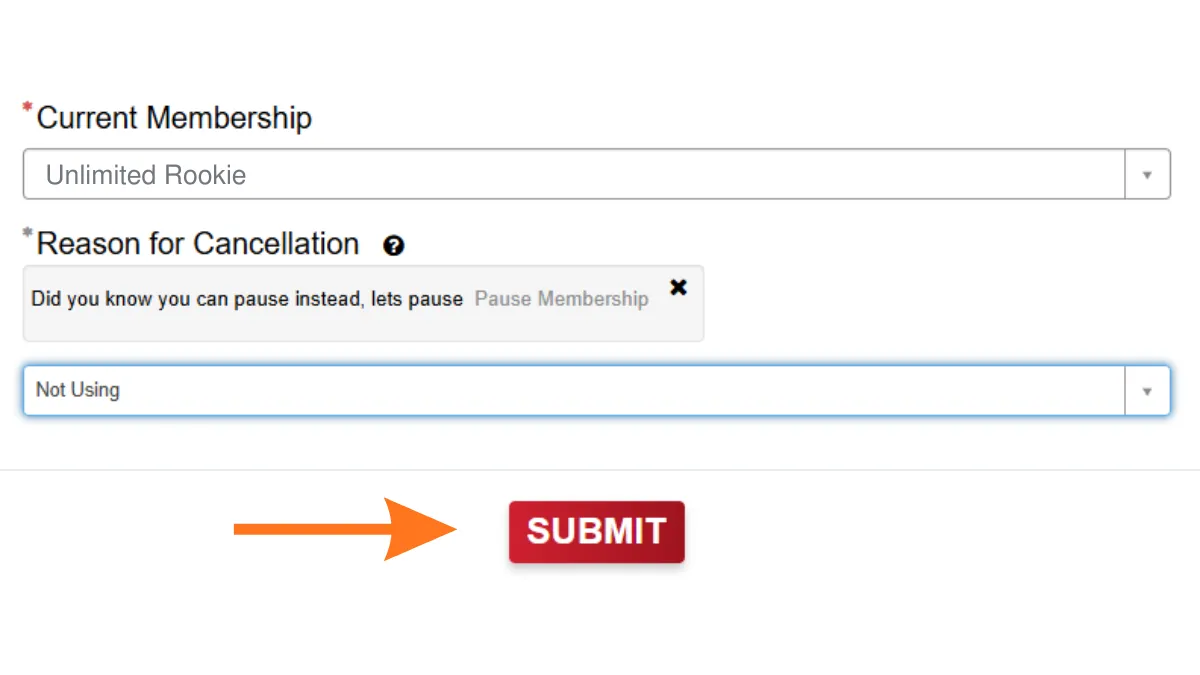
Select your reason for leaving and follow the remaining confirmation prompts to finalize the cancellation.
Note: The app requires your FastPass number to sync your account. Include the “+” symbol if it appears on your sticker.
Method 3: Cancel via the Phone number
Club Car Wash customer support accepts cancellation requests by phone (833) 416 – 9975.
Tell the representative you want to cancel your membership. Have your FastPass number and account details ready before you call.
After you provide them with asked details they will cancel your membership.
Missing details delay processing. If you do not receive confirmation within 48 hours, call (833) 416-9975.
Make sure you send your cancellation query at least 5 days before the next billing cycle to prevent any recurring charges.
After You Cancel
Confirm you receive a cancellation email within 48 hours.
Check your billing statement for at least one full cycle after cancellation.
Set a calendar reminder a few days before future renewal dates if you ever re-subscribe.
Alternative: Pause Your Membership Instead
Club Car Wash membership pause allows you to suspend access for 1, 3, or 6 months without canceling permanently. The online portal provides this option directly. Consider this if you are traveling or plan to return after a short break.
Related Cancellation Guide: Learn about the required notice periods and exact methods to successfully cancel a Super Star Car Wash plan
Club Car Wash Contact Information
Check out the Table below for Club Car Wash’s customer support:
You can cancel your club car wash membership through online portal, offical app, phone call or email.
Does Club Car Wash issue refunds after cancellation?
No. Club Car Wash does not refund partial months or unused time. Your access continues through the end of the current billing cycle.
What happens to my membership after I cancel?
Your FastPass sticker remains active through the end of the current billing period, then deactivates automatically.
Does Club Car Wash charge a cancellation fee?
No. The official terms list no early termination penalty for canceling a Club Car Wash membership.
Can I cancel if I lost my FastPass sticker?
Yes. Visit a Club Car Wash location with a valid photo ID and your original payment method. Staff can locate your account.
Does the Contact Us form accept cancellation requests?
No. Club Car Wash explicitly states that the general Contact Us form does not process cancellations. Use the manage membership portal, app, phone, or email instead.
Can I use Club Car Wash after cancellation?
Yes, you can use their service even after cancellation until your next billing date.
Feeling stuck in an endless loop trying to cancel your Take 5 Car Wash membership? You’re not alone. Many customers have faced ignored emails, repeated charges, and a cancellation process that feels impossible—leaving them angry, frustrated, and out of pocket.
Whether you’re tired of the “run-around,” double billing, or just want out, this guide will show you exactly how to break free—step by step.
Important: To avoid another unwanted charge, make sure to cancel at least 7 days before your next billing cycle.
Important Notice: Take 5 Car Wash now operates as part of the Whistle Express brand. If your local car wash location completed this brand transition, you must use the updated corporate cancellation procedure. Follow the Whistle Express Cancellation Guide to terminate an active membership at a rebranded location.
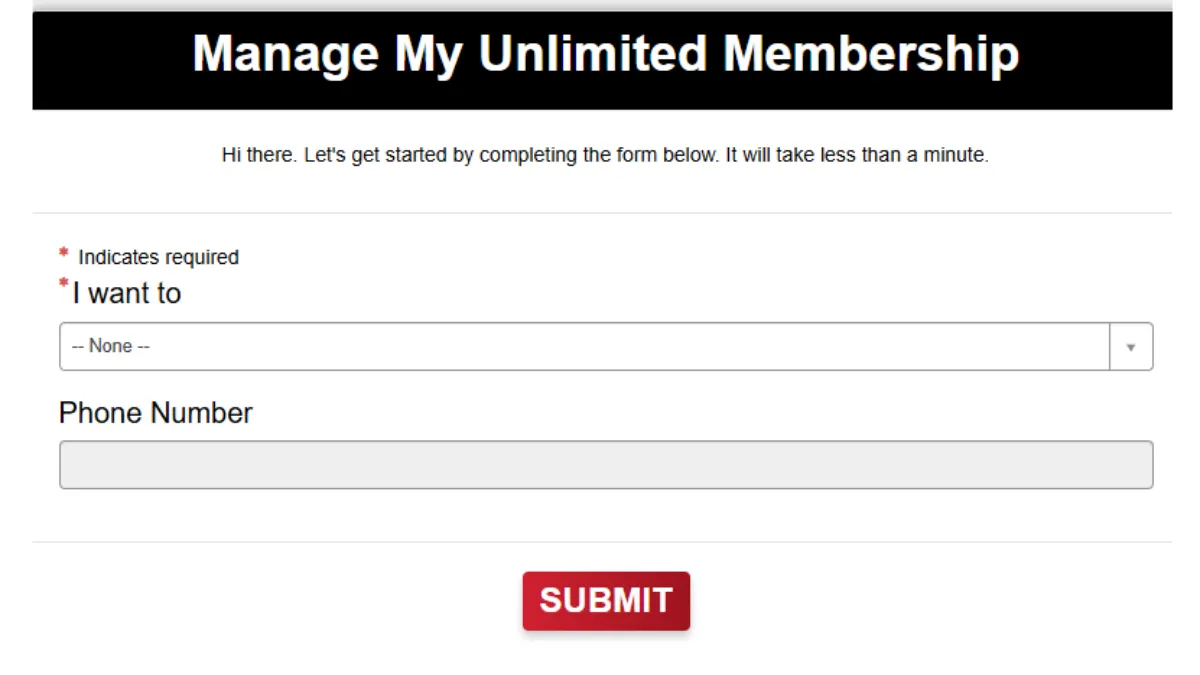
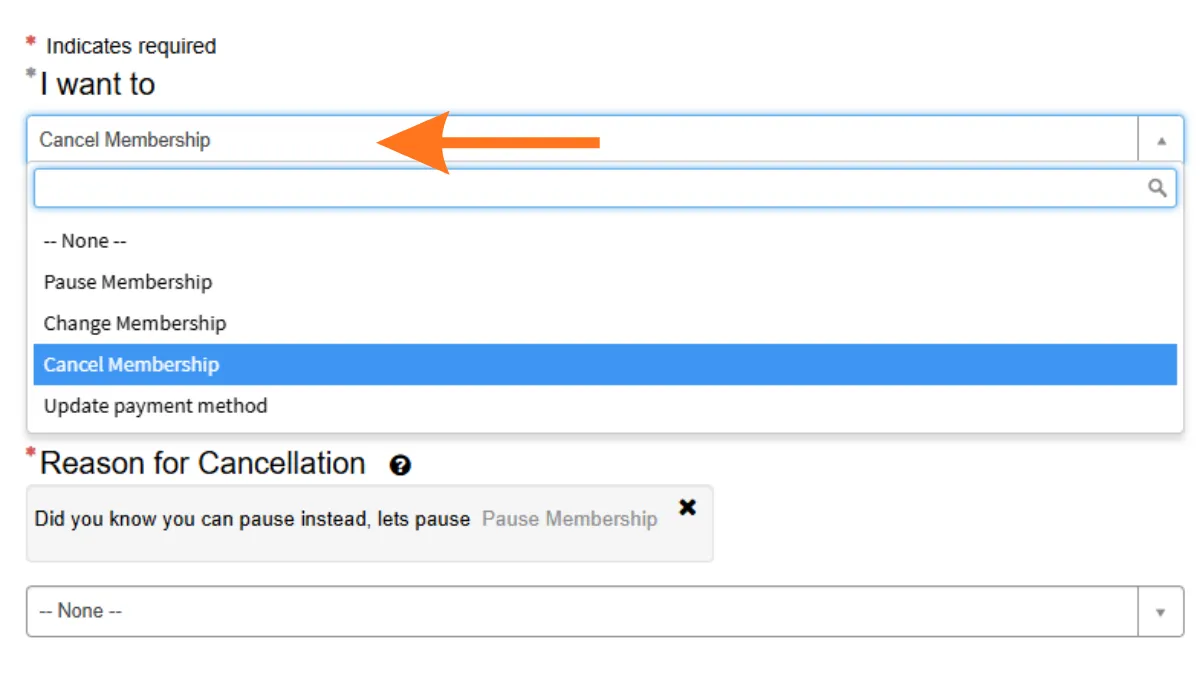
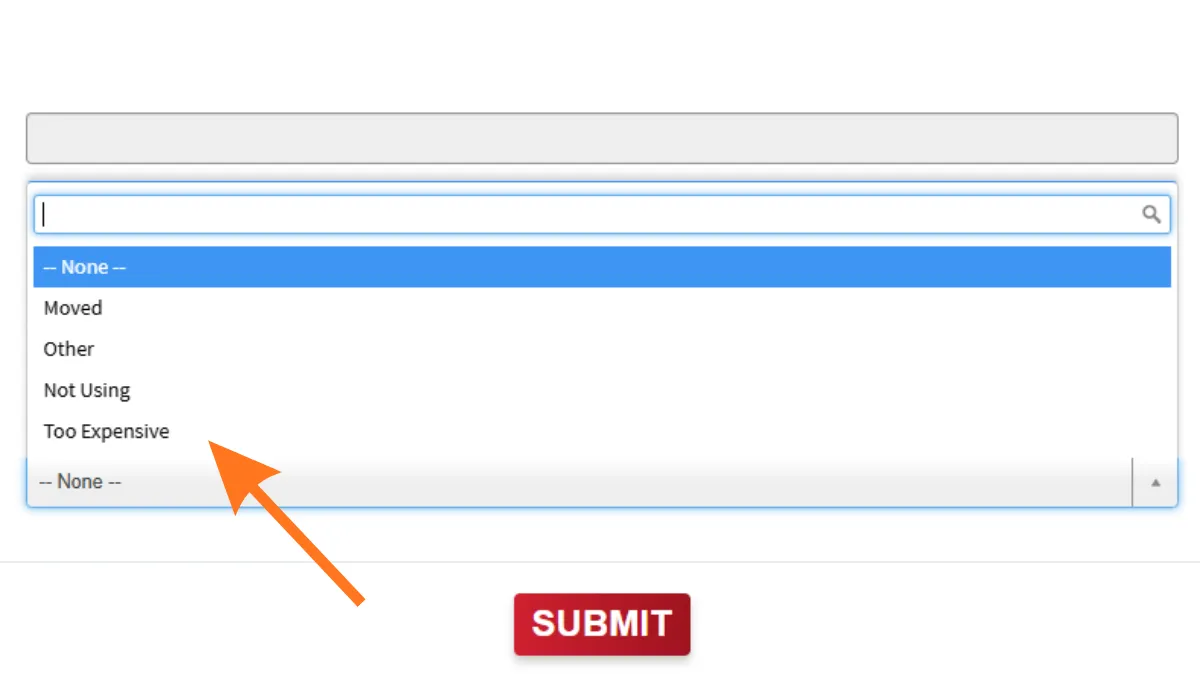
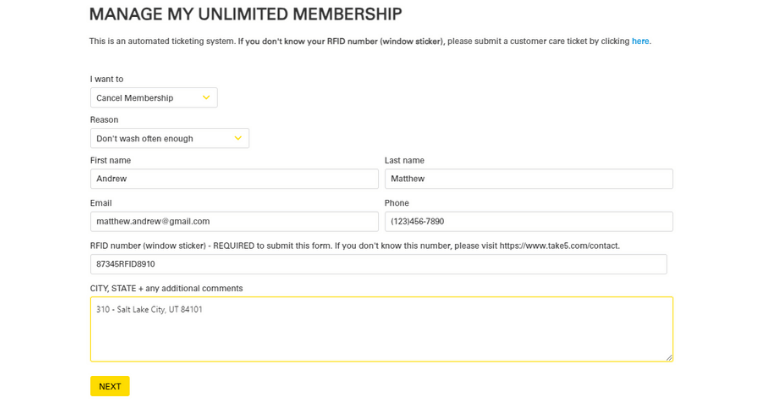
Select the Action: Choose Cancel Membership from the primary menu and select your cancellation reason from the drop-down list.
Provide your Contact Info: Enter the Email Address and Phone Number linked to your Take 5 billing account.
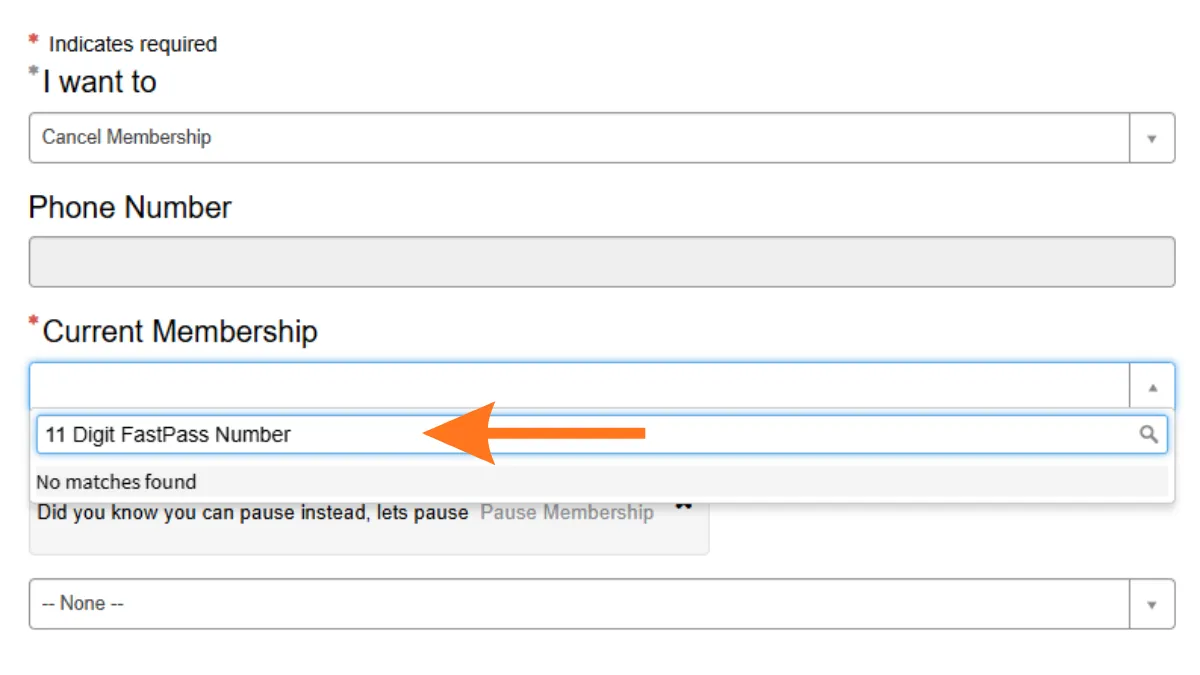
Provide the RFID: Input the 11-digit RFID number located on your vehicle’s windshield barcode sticker.
Enter Verification Details: Type your primary Service Location, City, State, and Vehicle License Plate into the comment section to ensure accurate account verification.
Submit the Request: Click the Next button to finalize and process your Take 5 cancellation request.
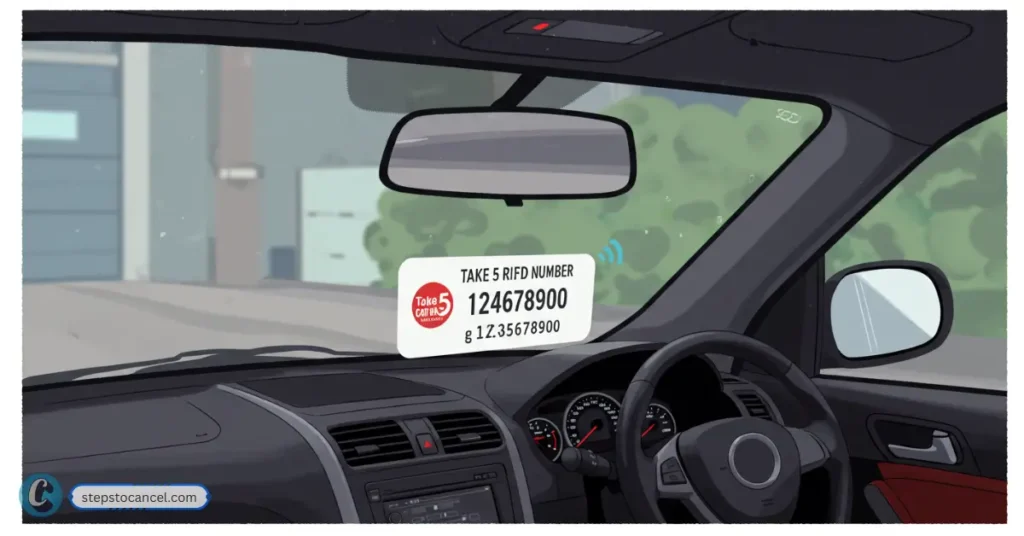
Note: RFID is barcode sticker with 11 digit number (e.g., 12345+123456), glued on your windshield, if you do not have it then contact your car wash for help.
The Take 5 RFID number is a unique 11-digit membership number assigned to your vehicle when you enroll in the Take 5 Car Wash Unlimited Program. This number is embedded in a small RFID (Radio Frequency Identification) tag or sticker, which is used to identify your membership and allow your vehicle access to the car wash services.
You must provide your RFID Number is during membership cancellation.
Where to Find Your Take 5 RFID Number
On Your Windshield: The RFID tag is physically placed on the inside of your car’s front windshield by a Take 5 employee during your initial enrollment. The tag must remain affixed at all times for your membership to work.
Location: Usually, it is placed in the lower corner of the windshield, on the passenger or driver’s side, depending on the site’s standard procedure.
Printed Number: The 11-digit RFID number is printed directly on this sticker/tag1.
Membership Materials: If you received any paperwork or a welcome email at sign-up, your RFID number may also be listed there.
If You Can’t Find the Number: If your RFID tag is missing, damaged, or you never received one, contact your local Take 5 Car Wash location or customer service. In some cases, they can look up your membership using your payment details or other identifying information.
Tip: Never attempt to remove or tamper with the RFID sticker yourself, as it may become unusable and could affect your membership status
The Take 5 Car Wash Cancellation Policy
You must understand the financial and administrative rules governing the Take 5 Unlimited Wash Club.
The 7-Day Notice Requirement
Take 5 requires a strict 7-day advance notice prior to your next billing date. If you submit your request fewer than 7 days before renewal, the system charges your credit card for the upcoming month. Your cancellation then takes effect at the end of that subsequent billing cycle.
Does Take 5 Car Wash offer refunds for partial months?
No, Take 5 denies all refunds or credits for partial periods or unused wash time. The plan provides unlimited car washes for 30 full days at a time. When you cancel, your pass remains active, and you retain wash access through the day before your next scheduled renewal date.
Cancellation Fees and Pausing
Take 5 charges zero early termination fees or penalties for canceling a monthly membership. Additionally, the company does not provide a pause or freeze option on its official platform. If you want to temporarily stop billing, you must fully cancel your plan and reactivate it later at a local wash station.
Contact Take 5 Car Wash Support
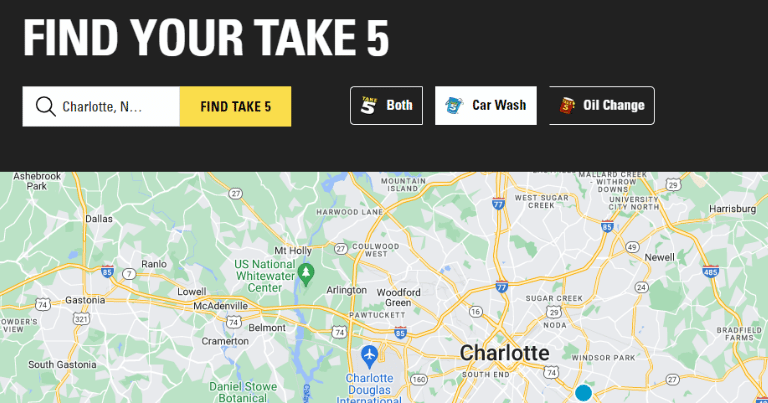
You can connect with corporate suport through contact form. As for phone number Take 5 Car Wash has a total of 453 locations across the United States. Most of which have their phone number based on location.
There’s no dedicated cancellation hotline. Use the contact form or call the local location where you signed up. Be persistent — some users report slow or no replies.
If you are moving away from Take 5 due to recent price increases or poor wash quality, several national and regional competitors offer alternative subscription models.
If you decide to try another provider but want to understand their termination rules beforehand, review our companion guides to seamlessly cancel Mister Car Wash membership.
No. The membership plan belongs strictly to a single, personal vehicle. The RFID tag must be applied directly by a Take 5 employee; moving or swapping the tag to another car self-destructs the internal antenna and terminates your account.
Why is my credit card still being charged after I canceled?
This occurs if you submitted your cancellation form fewer than 7 days before your billing date. Take 5 automatically processes the next payment if you miss that 7-day notification window. If you canceled well in advance and still see charges, submit your confirmation details to customercare@take5carwash.com or file a billing dispute with your bank.
What happens if my payment card declines?
Take 5 reserves the right to automatically cancel your monthly membership plan immediately if the monthly charge is declined by your card processing system.
To cancel your Quick Quack Car Wash membership, use the myQQ web portal or app, email info@dontdrivedirty.com, or call Customer Care at 888-772-2792.
Submit your cancellation request at least 10 days before your next renewal date to avoid another charge, and keep your confirmation email or support reply as proof.
This guide walks you through each cancellation option, what details to have ready, and what to do if your membership renews or you are charged after trying to cancel.
Quick Answer
Best place to cancel: myQQ website/portal or myQQ app
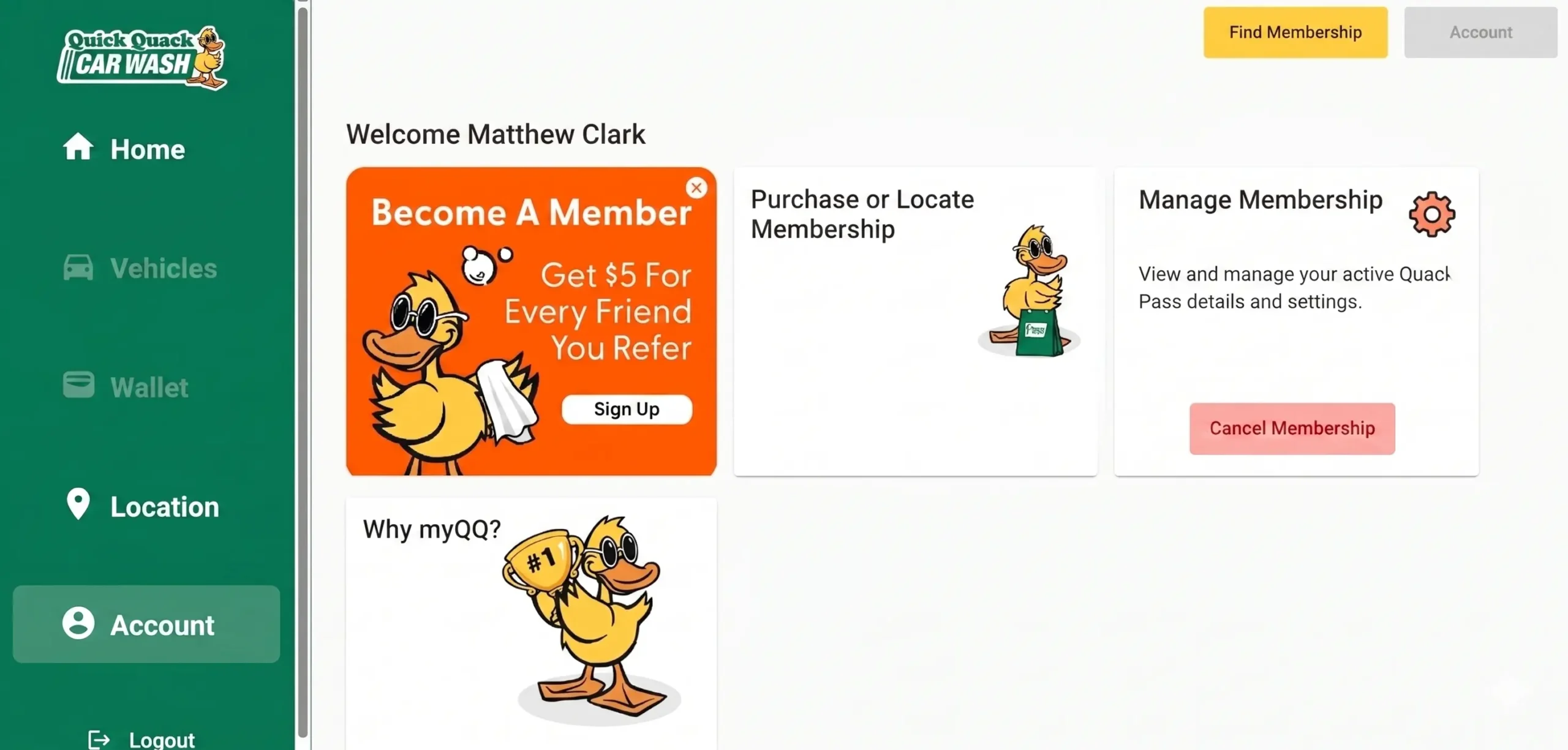
Where to find it: Account > Settings > Cancel Your Membership
When it ends: Your membership stays active through the current paid period
Proof to keep: Confirmation email, screenshot, support reply, or call notes
Important: A failed payment does not cancel your membership
Before You Cancel
Before sending your cancellation request, check your renewal date and gather the account details Quick Quack Car Wash may use to verify your membership. This helps avoid delays, especially if your next billing date is close.
Check Your Renewal Date
Quick Quack memberships renew automatically, so timing matters. Try to cancel at least 10 days before your next billing date to reduce the chance of another monthly charge.
Gather Your Account Details
Have these details ready before you contact Quick Quack:
Full name on the membership
Email address and phone number on the account
License plate number or VIN (Vehicle Identification Number)
Last 4 digits of the payment card
Renewal date or most recent charge date
Choose the Best Cancellation Method
Cancellation Method
Best For
How to Use
Time / Speed
Official website [myQQ]
Most members who want to cancel online
Sign in to myQQ, then go to Account > Settings > Cancel Your Membership
Usually fastest self-service option
myQQ mobile app
Members who manage their account from a phone
Download myQQ app, sign in, then Cancel Your Membership
Usually fast if the app works correctly
Email
Members who want written proof
Email cancellation request at info@dontdrivedirty.com with your account details
Slower than myQQ or phone; send at least 10 days before renewal
Phone
Members who cannot access myQQ or have urgent billing issues
Call Customer Care at 888-772-2792 and ask for cancellation help
Best for urgent help during support hours
In person
Members already visiting a Quick Quack location
Ask a team member if they can help with your membership or direct you to Customer Care
Varies; may not resolve billing issues directly
After canceling, your membership should stay active through the end of the current paid period, and no further payments should be drawn.
How to Cancel Quick Quack Car Wash Membership
Quick Quack memberships can be canceled in myQQ through the app or website. If you cannot access myQQ, call Customer Care at 888-772-2792 for cancellation help.
Method 1: Cancel Quick Quack Car Wash Through the myQQ Website
You can cancel your Quick Quack membership online by signing in to myQQ and opening your account settings.
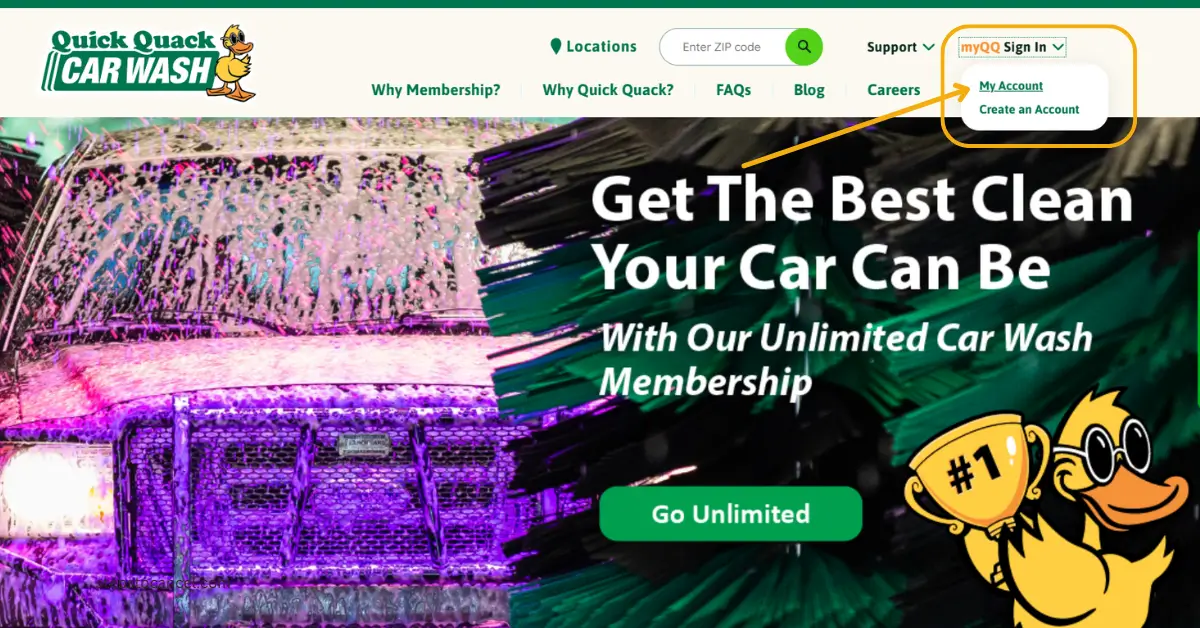
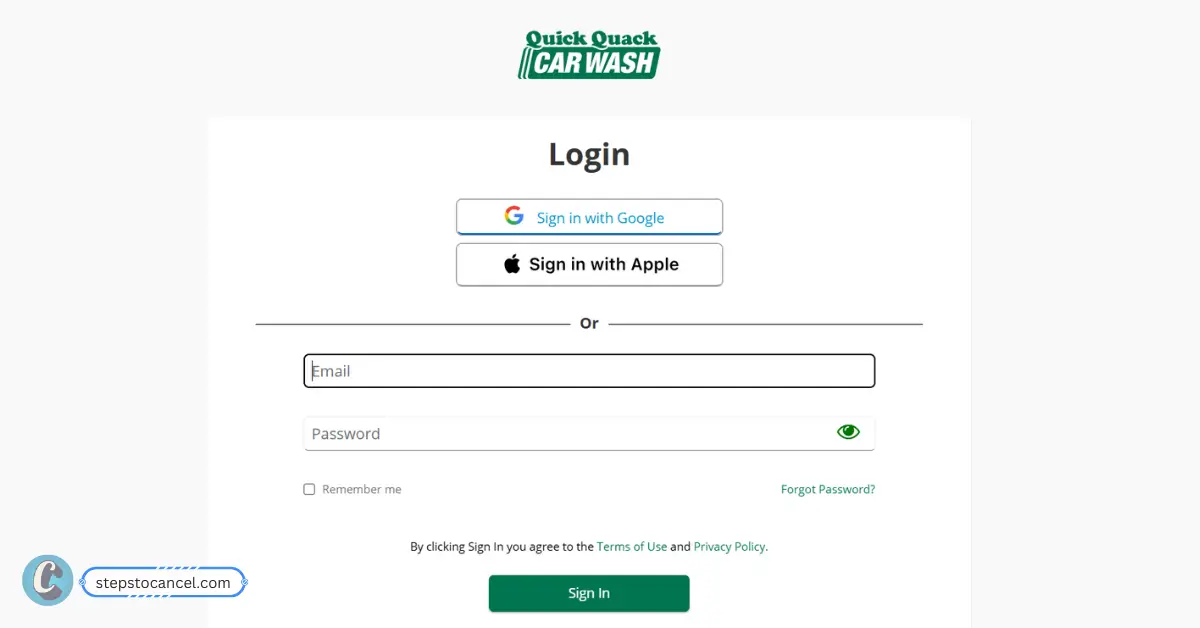
Log in with your registered email and password. You may also be able to sign in with Google or Apple. If you have not used myQQ before, select Create Account and follow the sign-up steps.
Locate Your Membership
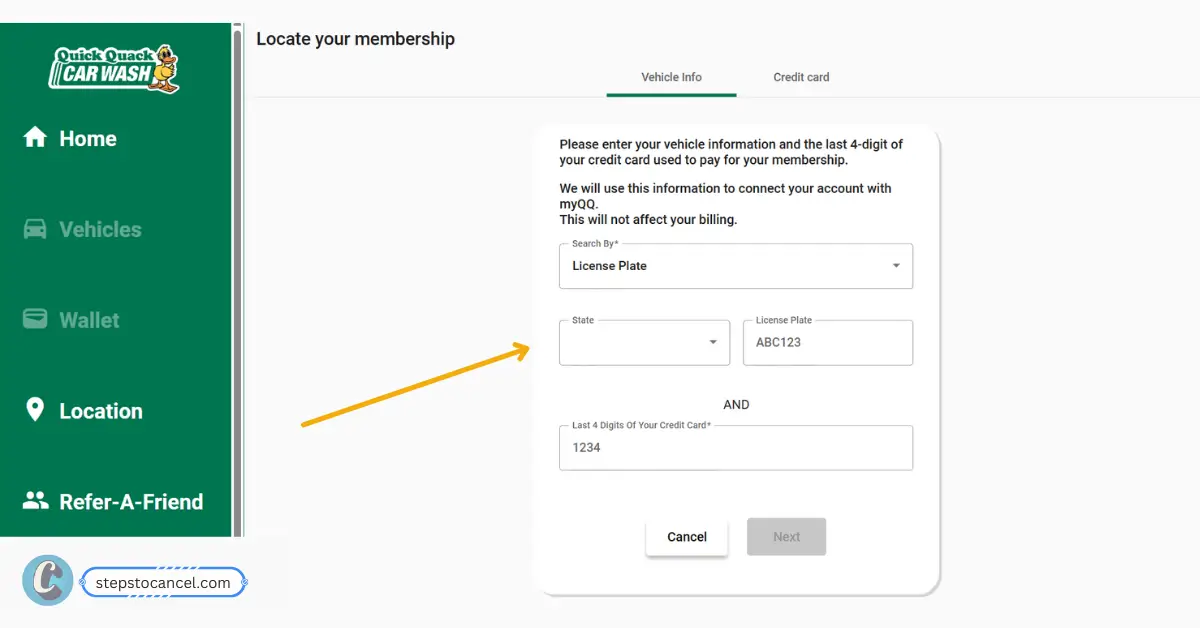
If your membership is not showing in myQQ, select Locate Your Membership. You can search for it using your vehicle details:
License plate number and state, or VIN + Last 4 digits of the credit card used for the membership Once myQQ finds your membership, link it to your account.
Cancel Your Membership
Click on Account on sidebar, then go to Settings and select Cancel to end Your Membership.
Follow the prompts to confirm the cancellation. Save the confirmation email or take a screenshot as proof.
Method 2: Cancel Through the myQQ Mobile App
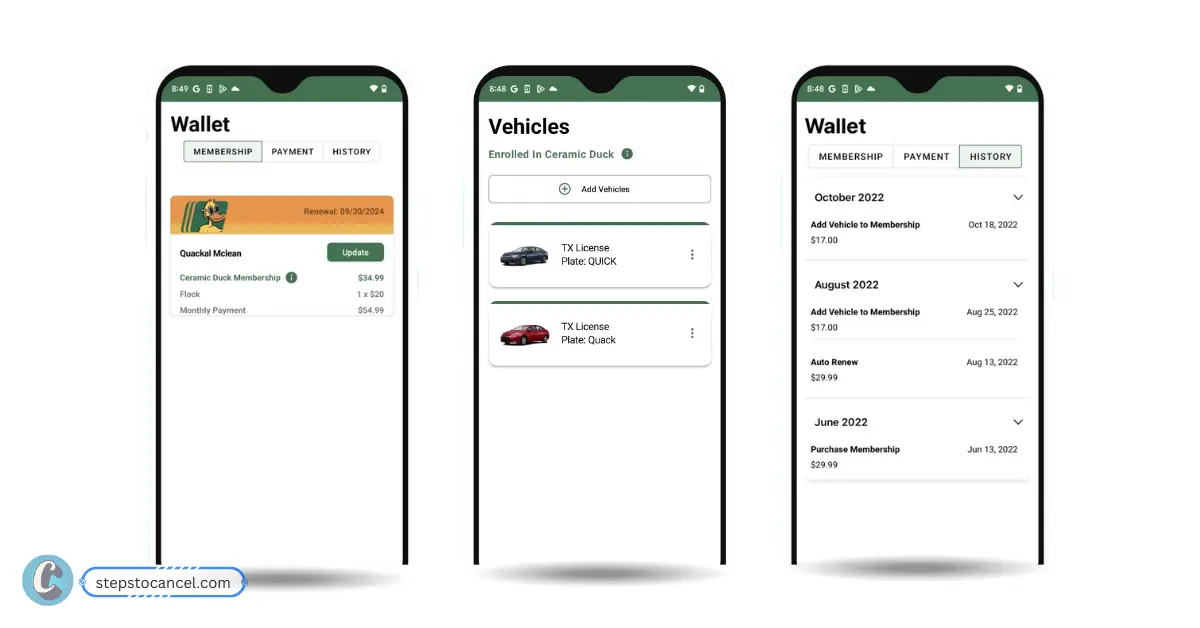
To cancel your Quack Quack car wash membership via mobile phone first, Download the official myQQ – Quick Quack app from the Apple App Store or Google Play Store, then sign in with the email or login method connected to your membership.
Open the app and sign in with the email or login method connected to your membership.
Find Your Membership
Go to your account or membership area and select the active Quick Quack membership you want to cancel.
Open Cancellation Settings
Go to Account > Settings > Cancel Your Membership.
Confirm Cancellation
Follow the prompts to confirm your cancellation. Then check your email for confirmation and save it.
Method 3: Cancel Quick Quack Membership by Phone
To you unable to cancel your monthly subscription contact Quick Quack Customer Care for help at 888-772-2792 available from 6:00 AM – 7:00 PM Pacific, hours may vary by location or holiday.
Before calling,keep Account Details ready for verification.
Ask the representative to cancel your membership and confirm that no future payments will be drawn. Before ending the call, request a confirmation email or write down the date, time, and name of the representative you spoke with.
Method 4: Cancel Quick Quack Membership by Email
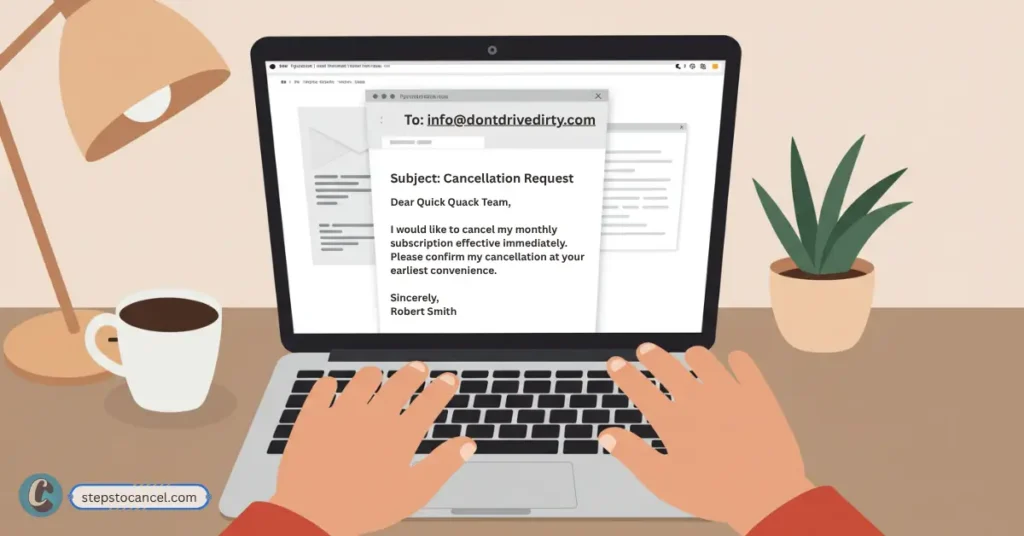
Quick Quack’s Terms of Service say you can cancel by giving notice at least 10 days before your renewal date by email at info@dontdrivedirty.com.
In your email, include your full name, phone number, email address, license plate or VIN, and the last 4 digits of the payment card on the membership. Ask Quick Quack to confirm the cancellation date and whether your membership will stay active through the end of the current paid period.
Quick Quack Cancellation Email Templates
Use these templates if you want written proof, need to follow up after calling, or were charged after submitting a cancellation request.
Quick Quack Cancellation Email Template
Subject: Request to Cancel Quick Quack Membership
Hello Quick Quack Customer Care,
I would like to cancel my Quick Quack Car Wash membership and stop any future payments.
My account details are:
Full name:
Email address:
Phone number:
License plate or VIN:
Last 4 digits of payment card:
Please confirm by email once the membership has been canceled and let me know the final active date for my current paid period.
Thank you.
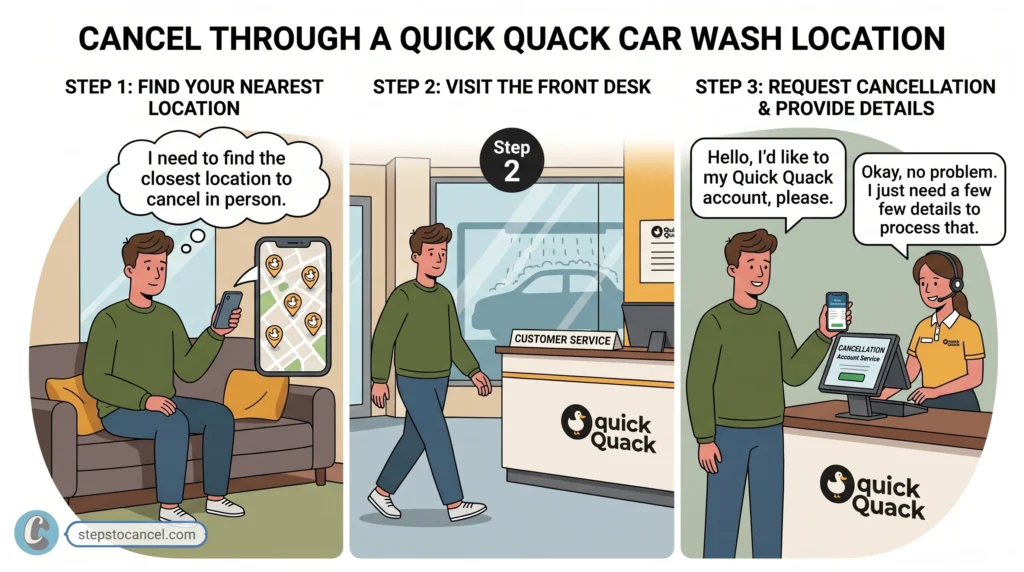
Method 5: Can You Cancel Through a Quick Quack Car Wash Location?
You can ask for help at a Quick Quack location, but in-person cancellation is not the best option if you need billing proof. Store team members may be able to guide you, but account changes and membership cancellation are safer through myQQ, email, or Customer Care.
If you visit a location, ask whether they can help submit the cancellation request and still follow up through myQQ or email. Keep written confirmation so you have proof that the membership was canceled.
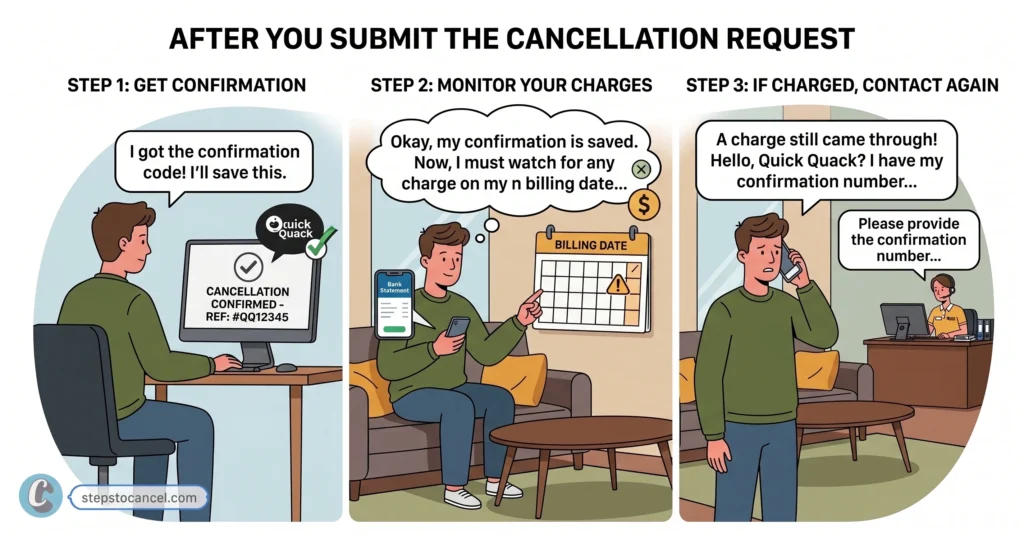
After You Submit the Cancellation Request
Once you cancel, your membership should remain active until the end of the current paid period. No further payments should be drawn after cancellation, but it is still smart to keep proof and check your next billing date.
Save Your Confirmation: After canceling through myQQ or Customer Care, save any confirmation email, support reply, screenshot, or cancellation number you receive. This proof can help if your account is charged again or if the cancellation does not appear in your membership settings.
Check Your Next Billing Date: Compare your cancellation date with your next renewal date. If your next billing date is close, contact Customer Care to confirm that the cancellation was processed before another payment is taken.
Watch for Another Charge: Check your bank or card statement after the next renewal date. If you are charged after canceling, contact Quick Quack Customer Care with your confirmation proof and ask them to review the account.
Quick Quack Car Wash’s Cancellation Rules
Quick Quack’s Terms of Service explain how Autopay memberships renew, how cancellation works, and when refunds or fees may apply.
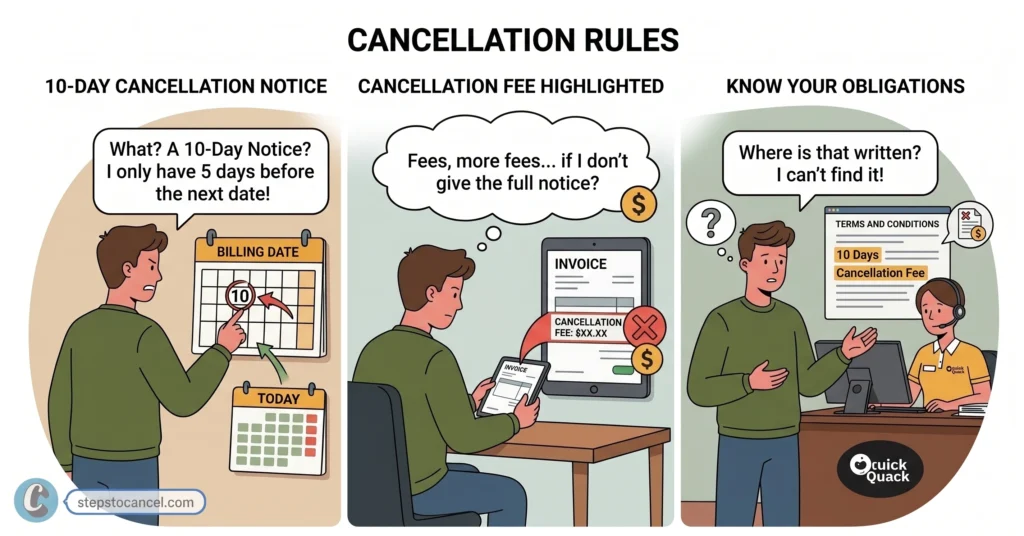
1. 10-Day Cancellation Notice
Quick Quack requires you to cancel at least 10 days before your automatic renewal date (the day you get charged every month). If your next billing date is less than 10 days away, their system might still charge you.
2. No Refund Policy
Quick Quack does not give money back. If you cancel mid-month, your wash pass stays active until the end of your current billing cycle, but you won’t get a partial refund for unused days.
3. A Failed Payment Is Not a Cancellation
If your credit card expires, changes, or gets declined, your account is not canceled. Quick Quack might temporarily block your car wash access, but their billing system will keep trying to charge your card. You still have to officially cancel through the app or over the phone to stop future bills.
4. $5.00 Early Cancellation Fee
If you cancel your membership within 45 days of signing up, Quick Quack may charge you a $5.00 early termination fee. This means the fee may not apply to every account, but it can apply if you cancel soon after signing up.
5. You Cannot Pause or Freeze Your Account
You cannot freeze or pause your Car Wash Membership. If you want a temporary break, you have to cancel your account completely and rejoin later, or call Customer Care to see if they can offer a workaround.
Cancel your Quick Quack membership through myQQ. Sign in to the myQQ app or website, then go to Account > Settings > Cancel Your Membership. You can also call Customer Care at 888-772-2792 for help.
Can I cancel Quick Quack through the myQQ app?
Yes. Quick Quack’s FAQ says you can cancel your membership in myQQ by going to Account > Settings > Cancel Your Membership.
What is the Quick Quack cancellation phone number?
The Quick Quack cancellation phone number is 888-772-2792. Customer Care can assist if you cannot cancel through myQQ or need help with your account.
Can I cancel Quick Quack by email?
Yes. Quick Quack’s Terms of Service say you can cancel by email at info@dontdrivedirty.com if you give notice at least 10 days before your renewal date. Include your name, phone number, email, license plate or VIN, and last 4 digits of the payment card.
Can I cancel Quick Quack in person?
You can ask for help at a Quick Quack location, but in-person cancellation may not be the safest option for billing proof. Use myQQ or Customer Care and keep written confirmation.
How many days before billing should I cancel?
Cancel at least 10 days before your next billing date to reduce the chance of another payment being drawn.
Will I get a refund after canceling?
Usually, no. Your membership should remain active through the end of the current paid period, so Quick Quack usually does not provide a prorated refund for unused days.
Does a failed payment cancel my membership?
No. A failed payment or declined card does not cancel your Quick Quack membership. You should still cancel through myQQ or Customer Care.
What information do I need to cancel?
You may need your full name, email, phone number, license plate or VIN, last 4 digits of your payment card, and renewal date.
Why was I charged after canceling?
You may have canceled too close to your renewal date, the request may not have processed, or the account may not have been correctly linked. Contact Customer Care with your confirmation proof.
Can I remove one vehicle from my Quick Quack account?
Use myQQ to manage vehicles on your account, or call Customer Care if you cannot remove a vehicle yourself.
Can I downgrade instead of canceling?
Check your myQQ account or call Customer Care to ask whether a lower plan is available for your membership.
Cancel your Super Star Car Wash membership online, by mail, by phone, or through the Contact Us form. The online portal cancels your account instantly; the other three work as backups when the portal fails.
You must submit your cancellation request at least 7 days before your next billing date to avoid being charged.
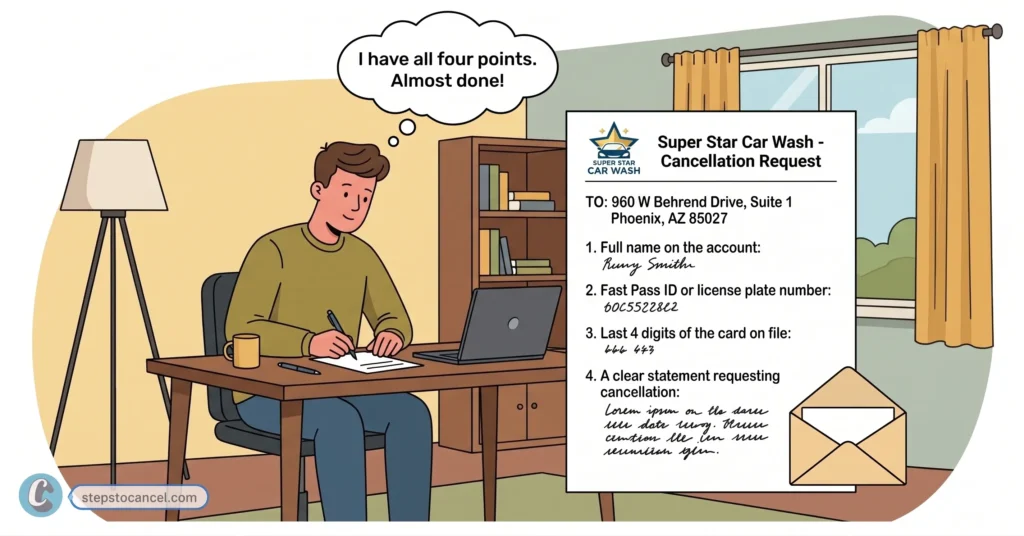
Gather the following before you start. Super Star Car Wash requires this information to locate and verify your account, regardless of which method you use.
Fast Pass ID — found on your windshield sticker, OR
License plate number — the one registered to your account
Last 4 digits of the credit card billed for the membership
Phone Number — the one registered to your account
Full name on the account (required for mail or Contact Us requests)
How To Cancel Super Star Car Wash Membership Online (Fastest & Most Reliable)
To cancel your Star Car Wash membership online, you need the last four digits of your card, plus either your Fast Pass ID or your license plate number. Then follow the steps listed below.
Visit the Official Cancellation Portal
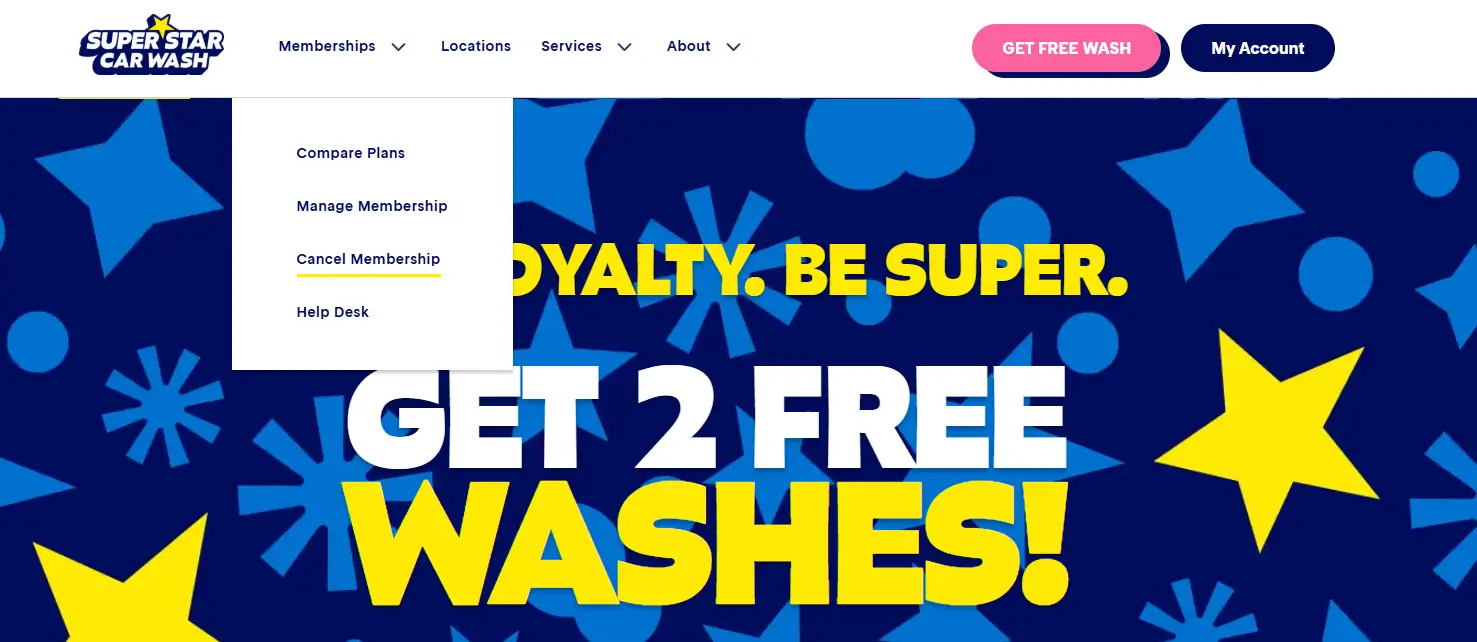
Go to superstarcarwashaz.com, click Memberships in the top menu, and select Cancel Membership.
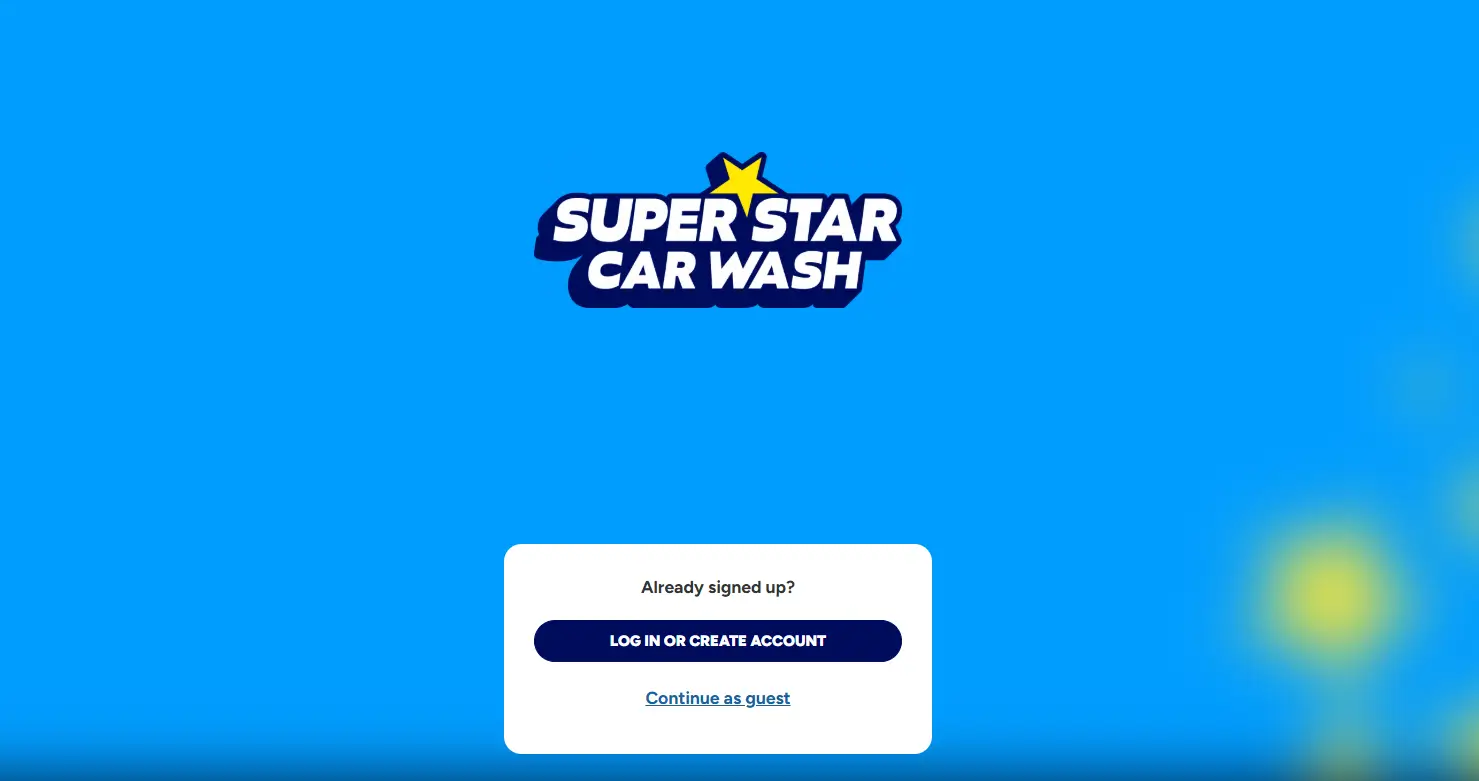
Sign In to Your Account
Log in with your registered phone number. or click Create Account. Please note: Only active members can register, and in-person signups take 24–48 hours to sync.
Verify Your Membership
Confirm your identity using the last 4 digits of your card on file, plus either your Fast Pass ID or your license plate number and state.
Cancel Your Plan
Go to Manage > Active Plans and click Cancel Membership. Select a reason if prompted, then click Confirm.
Submit and Confirm
Submit the form and screenshot your confirmation. Super Star Car Wash also emails a confirmation.
Note: Phone support runs on an automated system. Many callers report the system redirects them back to the online cancellation form rather than processing the cancellation directly. Use phone support only if the online method fails.
Method 4: How to Cancel Super Star car wash via the Contact Us Form
Use this method if the automated online cancel button fails to find your account.
Enter your name, phone number, license plate, state, and payment information.
Submit the form.
Super Star Car Wash states agents respond within 3 business days.
Cancellation Policy & Need-to-Knows
Notice Required
At least 7 days before your billing date
Late Cancellation
Canceling within 6 days of renewal charges you for the next month
Refunds
None — Super Star Car Wash does not prorate mid-month cancellations
Access After Cancellation
Continues through the end of the current billing cycle
Wash Limit (Active Plans)
Up to 2 washes per day, per plan
Account Freeze/Pause
Available for travel or car repairs — request through the Contact Us form
Reactivation
Visit a physical Super Star Car Wash location
The 7-Day Cancellation Rule
You are billed monthly on your original signup date. To avoid being charged for the next month, submit your cancellation request at least 7 days before your billing date. Requests submitted 6 days or fewer before renewal will not stop the upcoming payment.
Refunds & Partial Cycles
All fees are non-refundable, and there are no prorated credits for partial months. If you cancel mid-cycle, your membership remains active and usable until the end of that current billing period.
Pausing Your Membership
If you are traveling or your vehicle needs repairs, you can freeze your account using the online Contact Us form. A pause keeps your account open without billing you while inactive.
Prepaid Memberships
Prepaid plans run for 6 or 12 months and require in-person activation at a physical location. These plans are strictly non-refundable and do not offer an early-cancellation option.
Common Issues & Fixes
“No membership found” error: Mobile browsers frequently fail to load account data in the portal. Switch to a desktop computer or tablet to complete your cancellation.
Continued billing after cancellation: Screenshot your confirmation immediately and check your next statement closely.
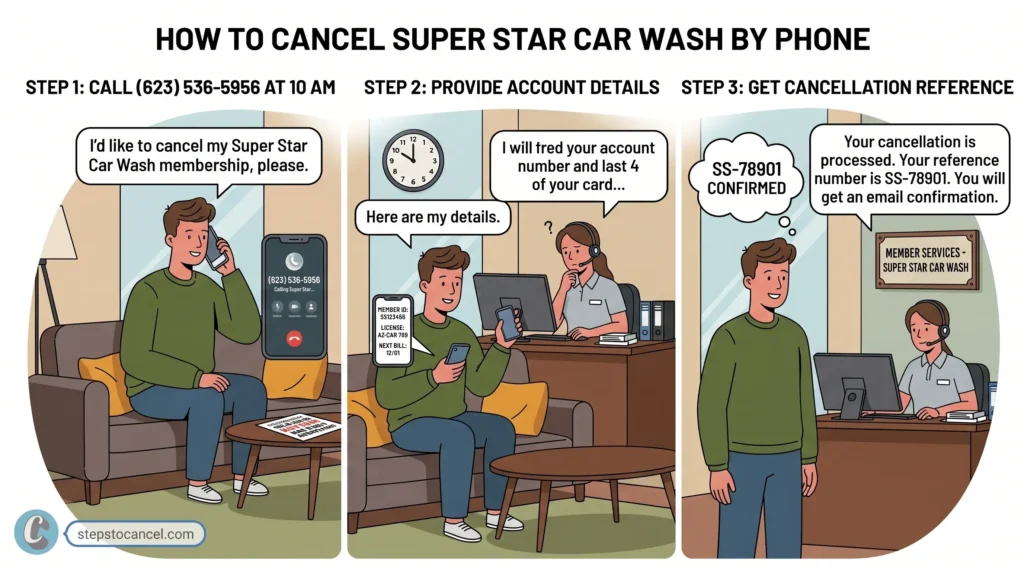
Phone support redirect loop: Calling (623) 536-5956 will not cancel your account—the automated system simply routes you back to the website. Save time by using the online portal or mail instead.
Contact form delays: The online “Contact Us” form takes up to 3 business days to process. If your billing date is less than a week away, use the instant portal method instead.
Fast Pass ID not found Try verifying with your license plate number and state instead. Make sure you’re entering the exact state where you originally signed up — this is a common mistake.
After You Cancel
Save your confirmation email and screenshot.
Monitor your card statement for one additional charge, since your access continues through the current billing cycle.
Reactivate by visiting a physical Super Star Car Wash location if you change your mind later.
What’s the fastest way to cancel my Super Star Car Wash membership?
Canceling online is the fastest option. Go to the online portal, provide the last 4 digits of your card, and enter either your Fast Pass ID or your license plate number to terminate your plan instantly.
Does Super Star Car Wash charge a cancellation fee?
No, cancellation is completely free. However, you must submit your request at least 7 days before your next billing date to avoid being charged for the upcoming month.
Will I get a refund for the unused part of my billing cycle?
No, refunds are not prorated. Once a charge processes, your membership remains fully active and usable until the end of that current billing cycle.
Can I cancel over the phone?
You can try, but Super Star Car Wash does not list a dedicated cancellation phone line, and the automated system often redirects callers back to the website. The online portal or mail are more reliable.
Can I pause my membership instead of canceling?
Yes. If you are traveling or your vehicle is undergoing repairs, submit a freeze request through the online Contact Us form. This pauses your billing without closing your account.
How do I reactivate a canceled membership?
Visit any physical location to have an attendant reactivate your account in person.