Sky Zone, a leading indoor trampoline park, offers fun for all ages, but canceling your membership can feel frustrating when the process isn’t clear.
Whether you’re moving, low on budget, or just done jumping, we’re here to guide you through the steps to cancel your Sky Zone membership. It is important to note that “Cancellation policies” vary by park.
Note: The Sky Zone membership cancellation online process is the primary method for most locations, but some parks may offer alternatives like email or in-person cancellations. Check your park’s policy in your contract.
How to Cancel Sky Zone Membership?
You can cancel your Sky Zone membership online in 5 steps:
Visit the Sky Zone Member Portal
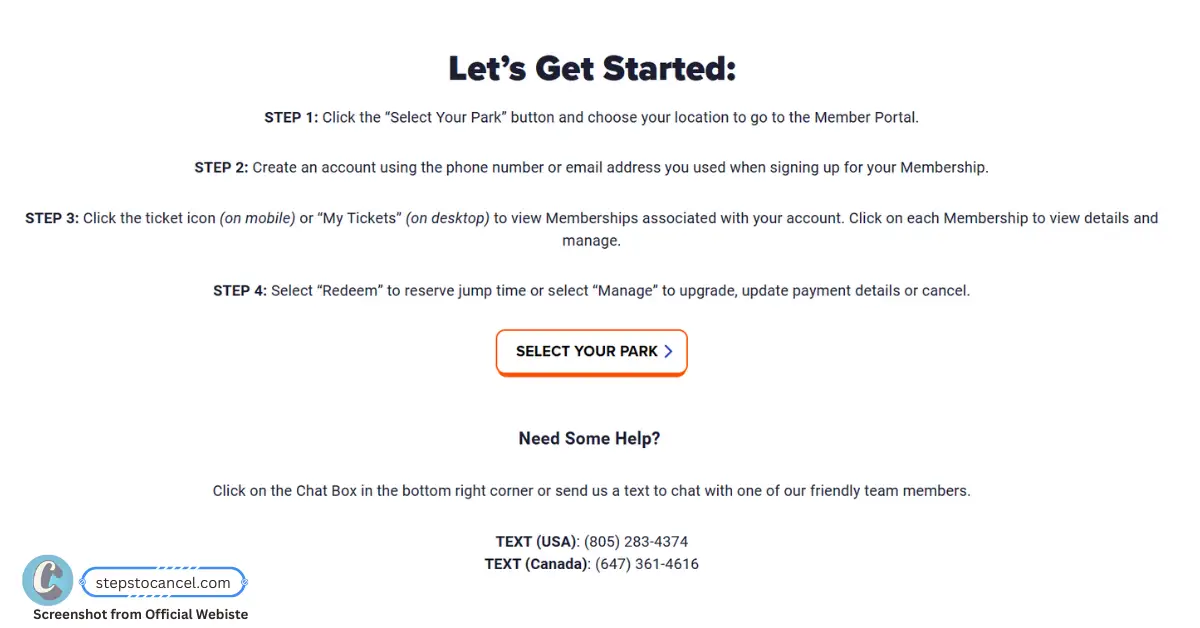 You can cancel your Sky Zone membership online by visiting your location’s official Member Portal at https://www.skyzone.com/member-portal/.
Log In or Create New Account
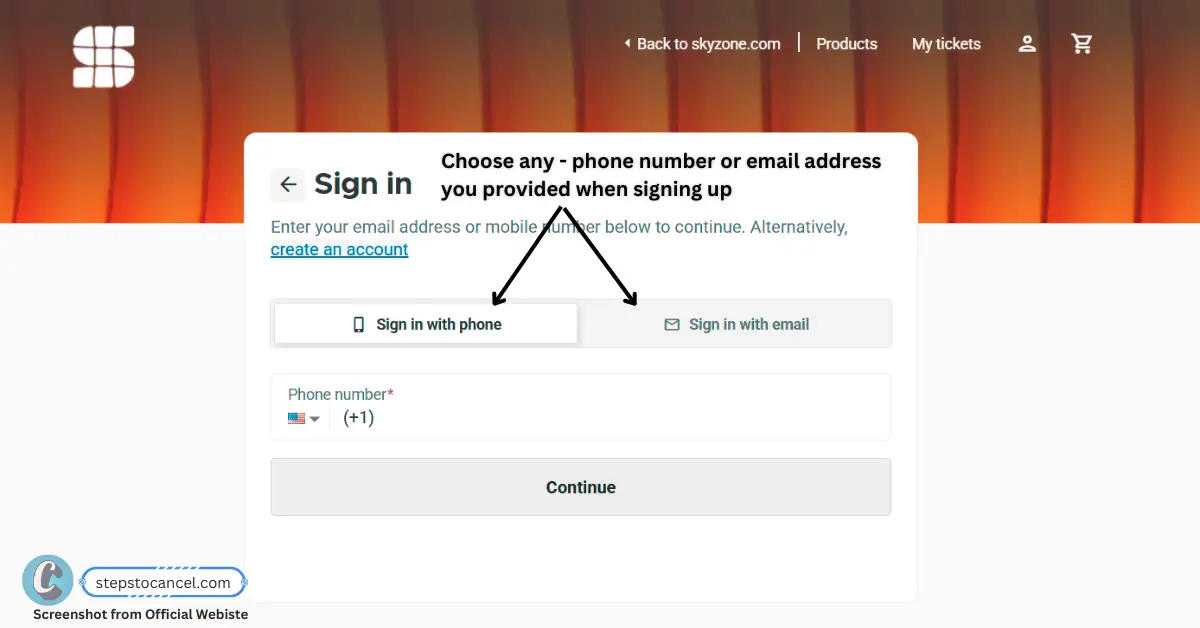 Sign in using the phone number or email address you provided when signing up for your membership.
First time? Enter that phone number or email, type in the verification code Sky Zone sends you, then add your name to create the account.Locate Your Membership
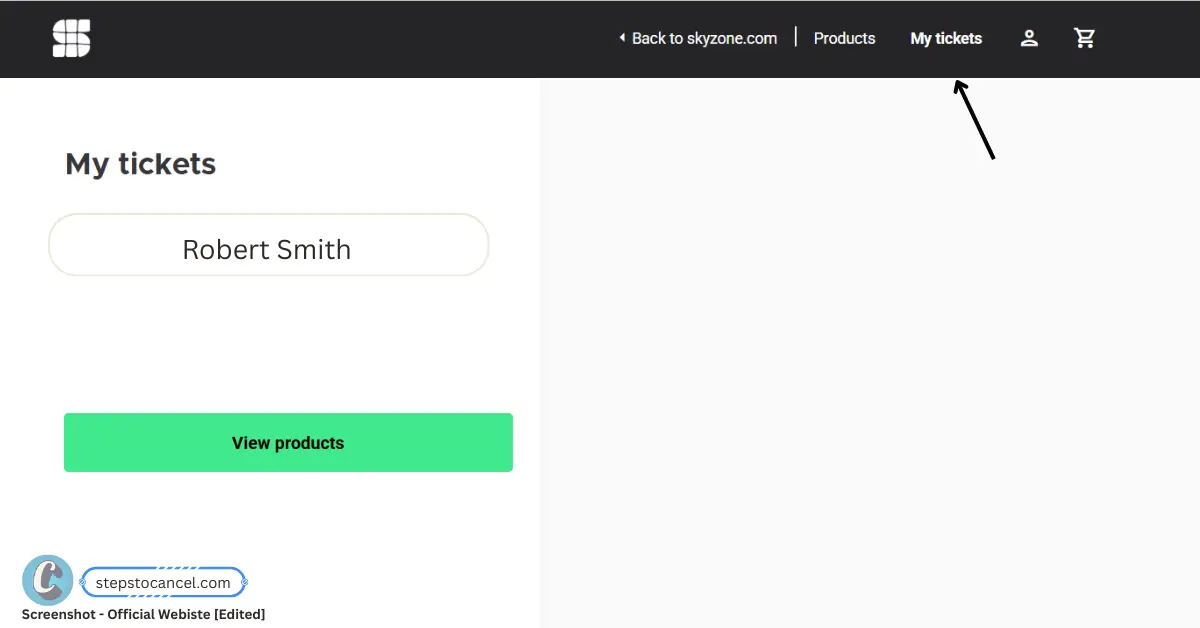 Once logged in, click “My Tickets” (or the ticket icon on mobile) to view your active membership. If you have more than one, pick the one you want to cancel before you continue.
Submit Cancellation Request
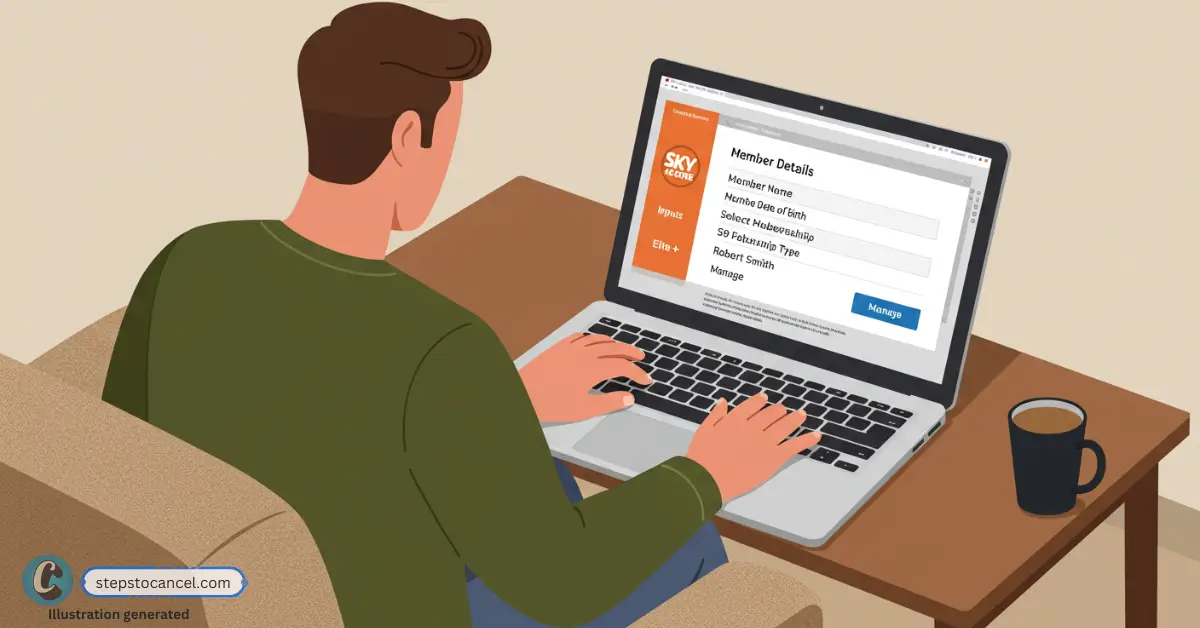 Select your membership, click “Manage,” and choose “Cancel.” Follow the prompts to submit your cancellation request. If you have multiple memberships (e.g., for family members), check if your park allows canceling them together—contact your local park if unsure.
Verify Cancellation
 After submitting, verify your cancellation request by reviewing the details. Check your email for a confirmation from Sky Zone and keep it as proof of your cancellation date.
Key Takeaways for Canceling Your Sky Zone Membership
- Cancellation methods: Most parks use the online Member Portal (Manage → Cancel). Some parks also take email, phone or in-person requests, and some refuse phone cancellations, so check your park’s Memberships page.
- Minimum commitment: Usually 3 months; some parks set 6 months (Sarasota), and some newer memberships have none (Murfreesboro).
- Notice period: Usually 72 hours or 3 (business) days before your billing date; some parks ask for more (Kitchener: 5 days).
- Auto-renewal: Memberships renew monthly on your signup date until you cancel.
- Freeze: Parks we checked don’t offer a freeze; they suggest cancelling after your commitment and re-joining later.
- Cancelling early: Some parks won’t cancel before the commitment ends (Fort Lauderdale), or require the remaining balance (Sarasota).
Alternative Sky Zone Cancellation Methods (Location-Specific)
Most parks handle cancellations through the online Member Portal, but each park sets its own rules. Some accept email or in-person requests, a few take phone calls, and others say they can’t cancel by phone.
Your park’s Memberships page and your membership contract list the methods it accepts.
Method 1: In-Person or By Phone
Call your local Sky Zone park first [Find park number] to ask if they accept phone cancellations, as policies vary by location. If available, provide your full name, membership number, and contact details to process the cancellation.
If phone cancellation isn’t accepted, ask about visiting in person or getting help with the online form. Some locations may assist you directly at the park.
Always request confirmation via email or reference number, regardless of the method used. Follow up within 48 hours if you don’t receive confirmation to ensure your cancellation was processed.
Method 2: By Mail
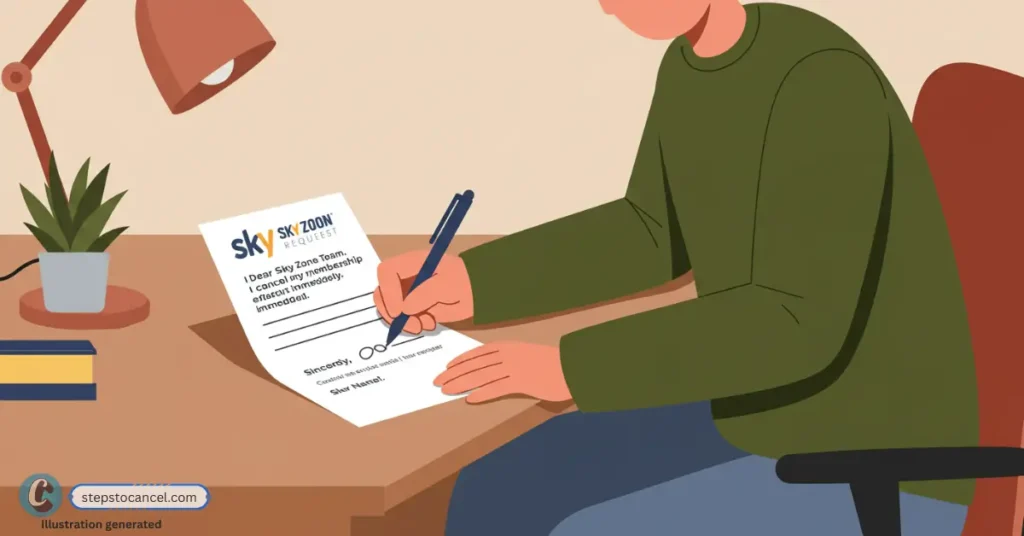
Step 1: Find Your Park’s Mailing Address
Use mail only if your membership agreement lists a mailing address for cancellations; none of the Sky Zone park pages we checked offers mail. Your park’s page at skyzone.com/locations lists its other contact options.
Step 2: Write Your Cancellation Request
Create a clear, written request stating your intent to cancel your membership.
Copy this letter template:
Subject: Membership Cancellation Request - [Your Name]

Dear Sky Zone Team,
I am requesting to cancel my Sky Zone membership effective [Date].

Member Details:
Name: [Your Full Name]
Membership Number: [Number]
Phone: [Your Phone Number]
Email: [Your Email]

Please confirm receipt of this cancellation request and provide a confirmation email.

Thank you,
[Your Name]
[Signature]
Step 3: Send Via Certified Mail
Mail your request using certified mail with return receipt to ensure delivery confirmation and create a paper trail.
Wait for Confirmation: Expect a confirmation email within 3-5 business days. Follow up if you don’t receive one.
Method 3: By Email
- Email your local Sky Zone park’s contact email (check https://www.skyzone.com/locations/ for the address).
- Include your full name, membership number, and contact details, with a clear request to cancel.
Note: These alternative methods are not available at all Sky Zone locations. Most parks require cancellations through the official website’s Member Portal. Contact your local park to confirm available methods.
Need Help?
If your park doesn’t respond or you’re still charged, use these channels:
- Text support (USA): (805) 283-4374 (text only)
- Text support (Canada): (647) 361-4616 (text only)
- Support hours: Mon–Fri 9am–9pm ET, Sat 10am–9pm ET, Sun 11am–7pm ET
- Chat: Use the chat box on https://www.skyzone.com/
- Contact Form: https://www.skyzone.com/contact/ (for inquiries, not direct cancellations)
- Locations: Find your park’s phone, email and Memberships page at skyzone.com/locations