To cancel a ModWash membership, email the Guest Care team or call (423) 485-0005 at least 5 business days before your next billing date. ModWash bills each month on the anniversary of your sign-up date, and its terms say all sales are final, so a request that comes in later than that is usually charged for one more month.
Email and phone are the two channels named in ModWash’s Terms of Service (last updated September 29, 2026). The Manage My Account page also links to an online customer portal, covered below as a third option.
Trying to cancel a different car wash membership instead? You may also find our guide on how to cancel Whistle Express Car Wash membership helpful.
Before You Cancel
Information to Prepare Before Contacting ModWash
Before starting your cancellation request, gather the account details below. Having the correct information ready may help the support team locate your membership faster and reduce delays.
- License plate number — exactly as registered on the account
- Phone number — the number used at sign-up
- Email address — the address on the account
- Billing date — ModWash bills monthly on the anniversary of your sign-up date; the recurring charge on your bank statement shows the day
- 5 business days before billing — count back five business days (weekdays) from your billing date; that is your last day to cancel
Method 1: Cancel ModWash Membership by Email
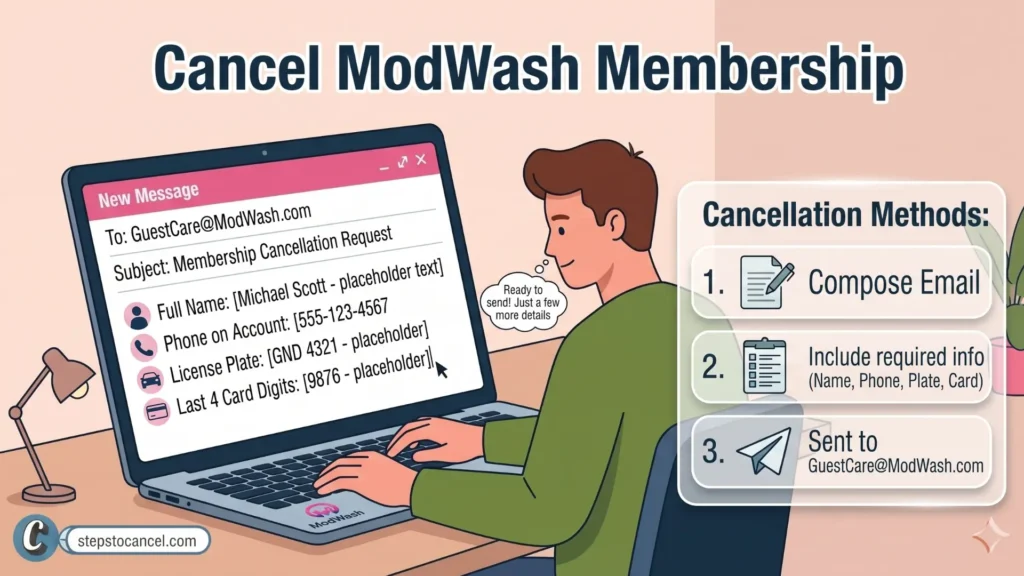
ModWash’s terms and FAQ list email as a cancellation channel. Send your request to the Guest Care team at GuestCare@ModWash.com.
Include the following information in your email:
- Vehicle license plate number
- Full name
- Phone number linked to your membership
- Last 4 digits of your payment card
Follow these steps:
- Open your email app
Create a new email and send it to GuestCare@ModWash.com. - Add your account details
Include the information listed above so the support team can locate your membership. - Request cancellation clearly
State that you want to cancel your ModWash membership and ask for written confirmation. - Keep the confirmation email
Save the reply email for your records and future reference.
Tip: Email provides a written record of your cancellation request and confirmation, which may be useful if you need to check account activity later.
Method 2: Cancel ModWash Membership by Phone
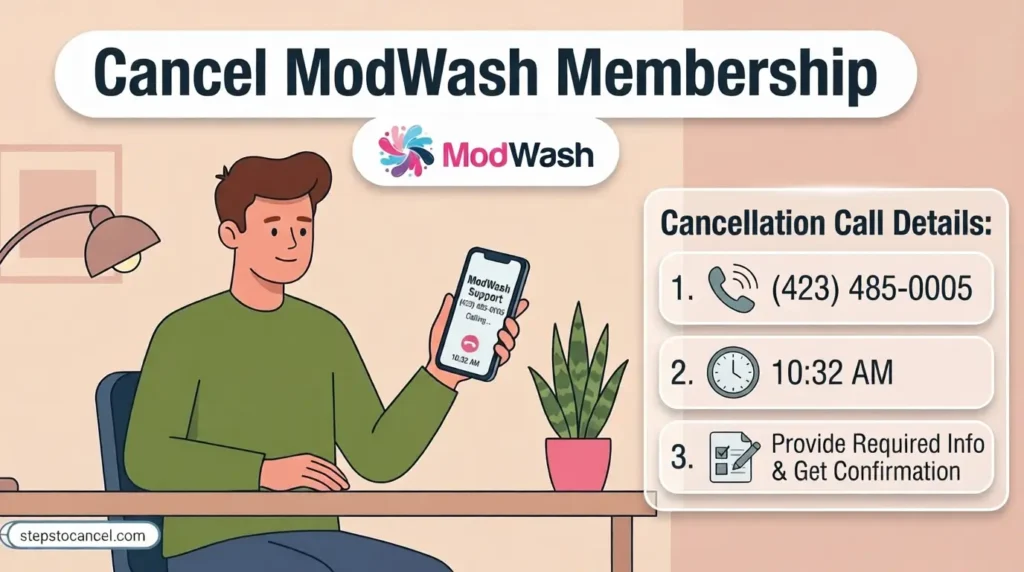
ModWash’s terms and FAQ list the Guest Care phone line as a cancellation channel. Spanish-language support has its own number.
Phone Numbers
- Guest Care: (423) 485-0005
- Spanish Support: (423) 219-5268
Hours: ModWash does not list Guest Care hours on its Terms, FAQ or Manage My Account pages, so call on a weekday and send an email if you can’t get through.
Follow these steps to cancel by phone:
- Call ModWash Guest Care
Contact the support team using the number above. - Verify your account details
To locate and verify your membership, the representative may ask for information such as:- Full name
- Phone number linked to the account
- Vehicle license plate number
- Last 4 digits of your payment card
- Other account verification details if needed
- Request cancellation confirmation
Ask the representative to confirm that your membership cancellation request has been submitted.
Ask for proof: Before you hang up, ask for the cancellation to be confirmed by email, and note the date, time and the agent’s name.
If the call goes to voicemail, email Guest Care the same day so you have a dated written request before the 5-business-day deadline.
Method 3: Try the ModWash Online Customer Portal
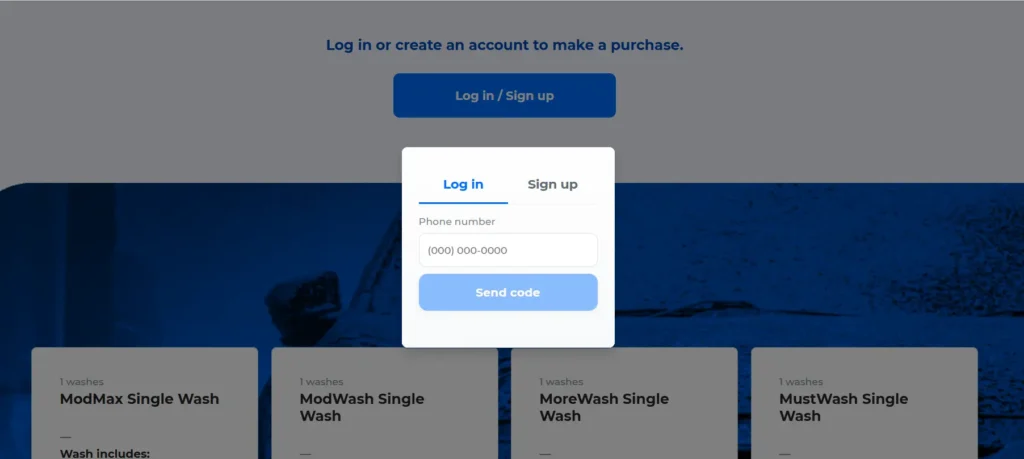
- Open Manage My Account
Go to modwash.com/manage-my-account and follow the link to the ModWash customer portal. - Sign in to your account
Use the contact details you gave when you signed up for the membership. - Open your membership
Check whether a cancel option is offered. Screen labels can change, and ModWash’s terms name only email and phone for cancellation. - Save proof
If you cancel in the portal, take a screenshot of the confirmation screen and keep any confirmation email. - No cancel option? Use email or phone
Email Guest Care or call (423) 485-0005, still at least 5 business days before billing.
Tip: The 5-business-day deadline is the same whichever channel you use. A portal cancellation you can’t prove is hard to dispute later, so keep the screenshot.
Because the terms name email and phone as the cancellation channels, an email to Guest Care is the safest written record if you are close to the deadline.

Alternatives to Cancelling Your ModWash Membership
- Moving: ModWash’s FAQ says memberships can be used at any ModWash, so check for a location near your new home before you cancel.
- New car: The FAQ says you can call or visit your local ModWash, or call Guest Care at (423) 485-0005, to move the membership to a different vehicle.
- Second car: A membership covers one vehicle. The FAQ says a Family Plan adds more vehicles and saves $5/month on each additional one.
Cancellation Policy
| Policy Item | Rule |
| Cancellation Methods | Email or phone (named in the terms); the online portal may also offer a cancel option |
| Notice Period | At least 5 business days before the next billing cycle (billing = monthly anniversary of sign-up) |
| Cancellation Fee | None listed in the terms |
| Refunds | None — “All sales are final. No refunds or returns will be accepted.” |
| Pause | Not mentioned in the terms or FAQ |
| Weather | No refunds when a location or service is unavailable because of weather |
| Price Changes | 30 days’ notice before any price change |
The Notice Rule
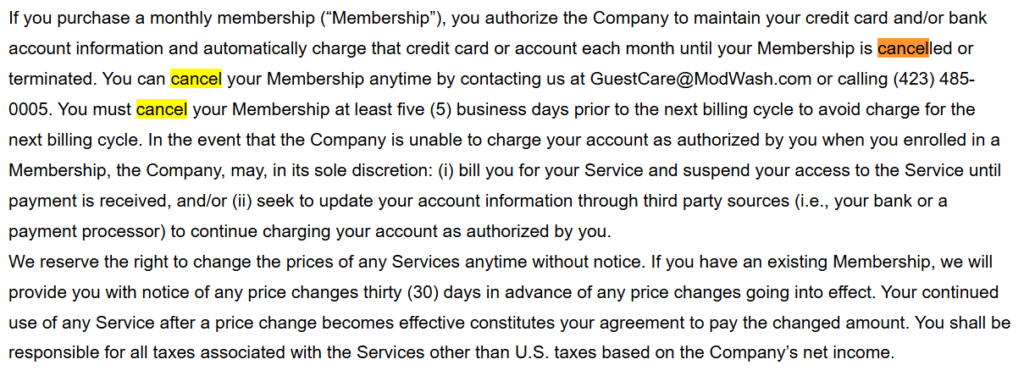
The terms say you “must cancel your Membership at least five (5) business days prior to the next billing cycle to avoid charge for the next billing cycle.” Business days skip weekends, so a request made on a Friday for a Wednesday billing date is too late.
The Refund Rule
The terms state that all sales are final and no refunds are accepted, and the FAQ adds that ModWash “cannot issue refunds for past cycles.” In a June 8, 2026 reply on its BBB profile, ModWash said its Guest Care department does not handle refunds and passes refund requests to its management team for review.
Price and Weather Rules
ModWash must give 30 days’ notice before changing the membership price, which leaves time to cancel before a higher charge. Its terms also say it will not refund washes missed because a location or service was unavailable due to weather.
Common Issues
- Give the details used at sign-up: Include the plate, phone number and email you gave when you joined. If any of them changed since, list both the old and new details so the account can be found.
- Late requests are still charged: In a May 2026 BBB complaint, a member who cancelled shortly before a renewal was charged and told the request had to be made 5 business days before the billing cycle. Count the deadline in business days.
- Check after a kiosk purchase: Several BBB complaints from May–June 2026 say the customer did not realize a purchase at the wash set up a monthly membership. Check your receipt and bank statement for a recurring ModWash charge, and contact Guest Care right away if you didn’t mean to join.

ModWash Contact Information
| Method | Detail |
| Phone | (423) 485-0005 |
| GuestCare@ModWash.com | |
| Terms Page | ModWash Terms |
| Spanish Support | (423) 219-5268 |
| Manage My Account | Customer portal link |
Leave a Reply