
Planet Fitness has to receive your cancellation at least 8 days before your next billing date, so check that date first. You can then cancel online in the member portal at planetfitness.com, in person at your home club, or by a letter mailed to your home club.[1] Keep the confirmation, the receipt or the mailing record until your next statement shows no charge.
Cancel Planet Fitness online in the member portal
Planet Fitness lets you end your membership by logging in to the member portal on its website.[1] It’s the quickest route if you’re not near your home club.
- Go to planetfitness.com/login (the MY ACCOUNT page) and select LOG INTO YOUR ACCOUNT.[4]
- Open My Billing Info & Balance in the account menu and note your next billing date and annual fee date.[1]
- Open your membership settings and choose the option to end your membership. Planet Fitness doesn’t publish the button names, so we can’t list them.
- Screenshot or save the confirmation screen and any confirmation email.
Planet Fitness notes that some policies vary by location and state.[1] If your portal doesn’t show a way to end the membership, use one of the two methods below rather than any workaround.
Cancel at your Planet Fitness home club
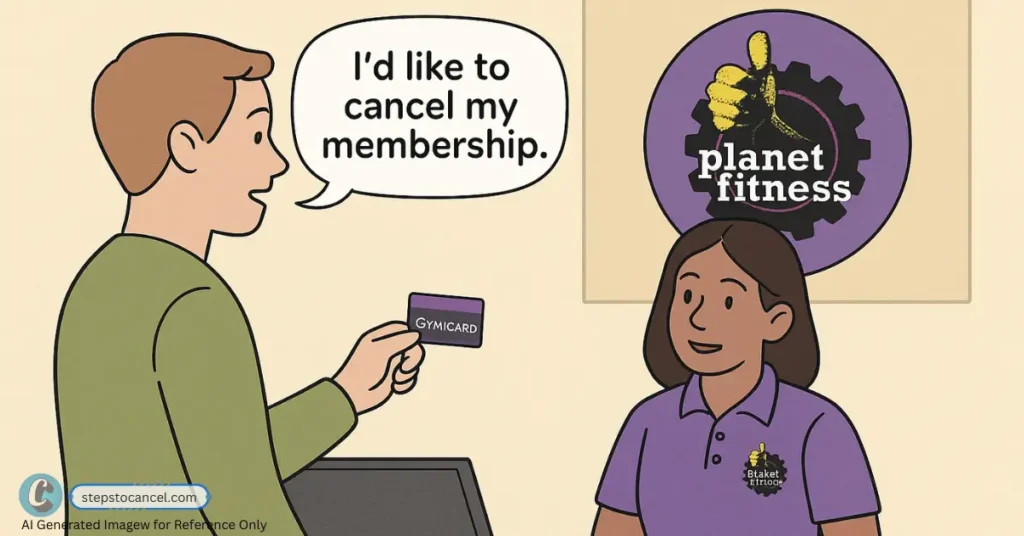
You can end your membership in person at your home club. Planet Fitness also calls the home club your best source for billing questions while it’s open.[1]
- Go at least 8 days before both your next billing date and your annual fee date, since the club must receive your request by then to stop each charge.[1]
- Bring your PF Club Pass number and photo ID, and tell the front desk you want to end your membership.
- Ask the club to confirm that the annual fee is stopped too, and get a printed or emailed confirmation before you leave.
Cancel Planet Fitness by mail (letter template)
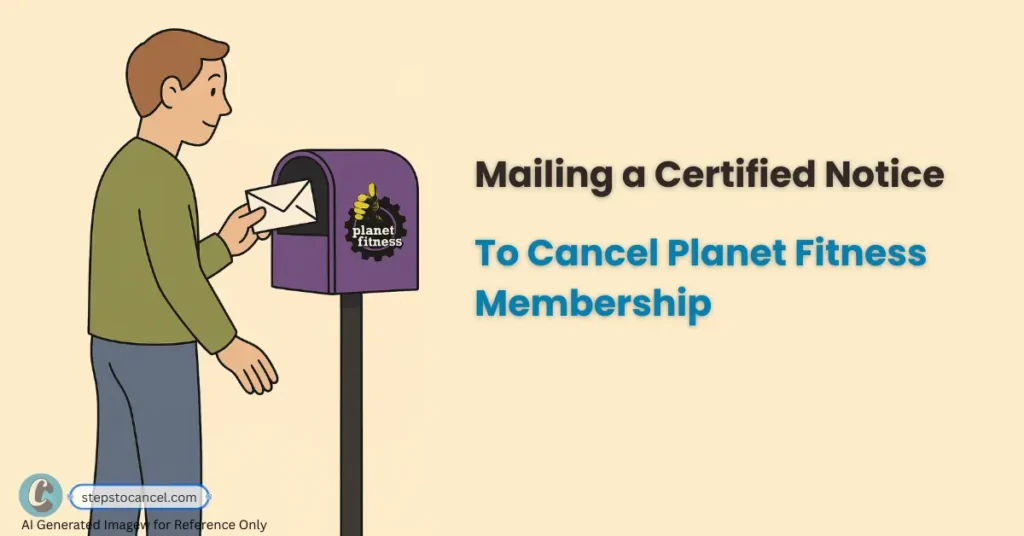
Planet Fitness accepts written notice mailed to your home club.[1] It suits members who’ve moved away, as long as the letter arrives in time.
- Fill in the letter template below and sign it.
- Find your home club’s street address under Our Clubs on planetfitness.com.
- Send it with tracking, such as USPS Certified Mail, so you can prove when the club received it.
- Count the 8 days from the delivery date, not the day you post it, because the club must receive your notice at least 8 days before your billing date.[1]
- If you haven’t had a confirmation a few days after delivery, call or visit the club with your tracking number.
- Check your next statement, and keep the tracking record until it shows no charge.
To: Planet Fitness [club name], [club street address]

Date: [today's date]

Please end my Planet Fitness membership.

Name on the membership: [full name]
PF Club Pass number: [number]
Phone and email on the account: [phone] / [email]
Last 4 digits of the card or account billed: [####]

Please stop all billing, including the annual fee, and send written
confirmation of the cancellation to the email address above.

Signature: ____________________
Planet Fitness cancellation notice: 8 days before your billing date
To stop your next monthly payment, the club must receive your request at least 8 days before your next billing date, because billing changes can take up to 7 days.[1] The annual fee has its own deadline: the club must receive your request at least 8 days before the annual fee date.
Worked example: if your next billing date is the 17th, the club needs your request by the 9th. If your annual fee date is in the same month, count 8 days back from that date too, and use whichever deadline comes first, plus several extra days if you mail a letter.
Your billing dates are in the member portal, or in the PF App under My Billing Info & Balance, and on your membership agreement.[1][2] Check both dates before you cancel.

Planet Fitness cancellation fee: when the $58 buyout applies
Planet Fitness charges a $58 buyout fee if your membership has a minimum term and you end it before that term is over.[1] Planet Fitness says memberships “may include 12-month commitment”, so check your agreement for a minimum term.[3]
| Membership | Starting price | Club access | Annual fee |
|---|---|---|---|
| Classic | $15/month | Your home club | $49 |
| PF Black Card | $24.99/month | Any club, plus a guest anytime | $49 |
A Black Card lets you visit any club, but you still cancel through your own home club, its mailing address or the member portal.[1][3]
Moving? Transfer your Planet Fitness home club instead
If there’s a Planet Fitness near your new home, you can move your membership online in a few clicks instead of canceling.[1] You can transfer online if all of these are true:
- You’re not a minor.
- You’ve been a member for at least 90 days.
- You haven’t transferred in the past 90 days.
- You don’t owe dues or fees at your current club, and the membership has no financial cosigner or third-party subsidy.
- Your membership is billed monthly, not Paid in Full.
Planet Fitness says to contact your home club for help if you aren’t eligible to transfer online.[1] If you’re leaving for another chain, its rules may differ; our gym membership cancellation guides cover other clubs.

Downgrade to Planet Fitness Classic or pause instead of canceling?
If PF Black Card costs more than you want to pay, Planet Fitness says to stop by your club to downgrade, and a team member can help.[1] Classic starts at $15 a month against $24.99 for PF Black Card, and prices vary by location.[3] Planet Fitness’s FAQ doesn’t describe pausing a membership, so ask your home club whether that’s possible.
Canceling a Planet Fitness membership for someone else, or for a member who has died
Planet Fitness doesn’t publish a process for this. Mailed written notice and a visit to the home club don’t need the member’s login, so contact the home club and ask what it needs from you. If the home club is closed, Planet Fitness’s Member Services department takes questions Monday to Friday, 9 AM to 6 PM Eastern.[1]
If Planet Fitness keeps charging you after you cancel
- Contact your home club first. Planet Fitness calls the home club your best source for billing questions while it’s open; Member Services covers it when the club is closed.[1] Have your confirmation, receipt or tracking number ready.
- Escalate to headquarters. The number on Planet Fitness’s BBB headquarters profile is (844) 880-7180. On Oct. 1, 2026, that profile showed 141 complaints in the last 3 years and an F rating, citing a failure to respond to 36 complaints.[5]
- Dispute the charge with your card issuer. Under federal rules for US credit cards, the CFPB says to send a written billing error notice within 60 calendar days after the charge appeared on your statement (CFPB page last reviewed April 15, 2024).[6] Attach your cancellation proof; this is general information, not legal advice.
Beyond your club’s own number and the headquarters number above, be wary of phone numbers on third-party pages labeled as Planet Fitness cancellation lines. Phone isn’t one of the three ways Planet Fitness lists for ending a membership.[1]
Planet Fitness cancellation FAQs
Can I cancel Planet Fitness in the PF App?
Planet Fitness lists the member portal on its website, not the PF App, for ending a membership. The app is still useful for checking your billing dates under My Billing Info & Balance.[1]
Can I cancel Planet Fitness by phone or email?
Neither is one of the listed methods. Use the member portal, a visit to your home club or a mailed letter.[1]
Will Planet Fitness refund unused time?
Planet Fitness doesn’t publish a refund policy in its FAQ, so check your membership agreement or ask your home club. If you’re charged after canceling on time, follow the dispute steps above.
Can I still use the gym after I cancel?
Planet Fitness doesn’t say whether access continues until your next billing date. Ask when you cancel, and make sure the end date is on your confirmation.
How do I pay a balance before I cancel?
You can make a payment online or in the PF App under My Billing Info & Balance.[1] An unpaid balance also blocks an online home club transfer.
Can I cancel at any Planet Fitness location?
The in-person and mail options both go through your home club.[1] If you can’t get there, cancel online in the member portal instead.
References
- Planet Fitness, Membership FAQs, checked Oct. 1, 2026.
- Planet Fitness, Customer Service, checked Oct. 1, 2026.
- Planet Fitness, Gym Memberships (prices and fine print), checked Oct. 1, 2026.
- Planet Fitness, My Account, checked Oct. 1, 2026.
- Better Business Bureau, Planet Fitness (Headquarters) profile, checked Oct. 1, 2026.
- Consumer Financial Protection Bureau, How do I dispute a charge on my credit card bill?, checked Oct. 1, 2026.
Leave a Reply