
Misfits Market has two things you may want to cancel: the weekly Grocery Subscription and the paid Misfits+ membership ($69 a year after a 30-day free trial). To stop the Grocery Subscription, switch to the Flex Plan on the My Plan page (Need a break? → Pause or Cancel Subscription), or send a request through the contact form at least 48 hours before your next order’s billing date. Misfits+ is cancelled separately in the Misfits+ section of your account before 9:00 p.m. Eastern Time on the day your billing cycle ends.
Cancelling one does not cancel the other: Misfits Market’s Terms of Service (effective October 14, 2025) say that ending Misfits+ does not cancel an active Grocery Subscription. An order that has already been billed cannot be changed or cancelled and will still ship, so make changes before your shopping window closes (11:45 p.m. ET on its last day).
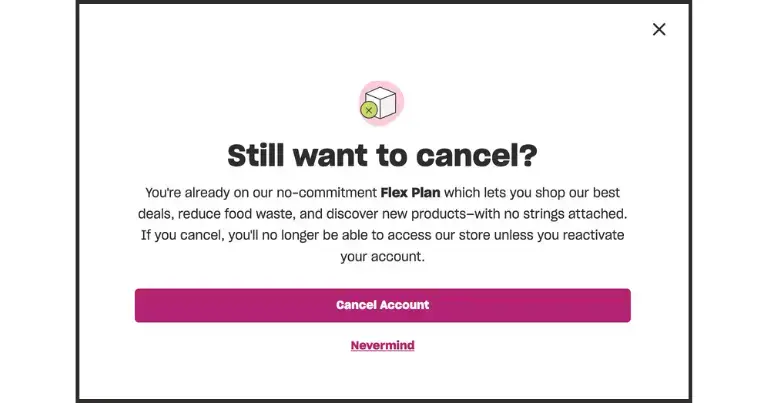
On the Flex Plan your cart is not pre-filled, and you only receive (and pay for) orders you build yourself. Switching to Flex therefore stops automatic orders without closing your account. If you also want the account closed, there is a final cancel step on the same page, shown below.
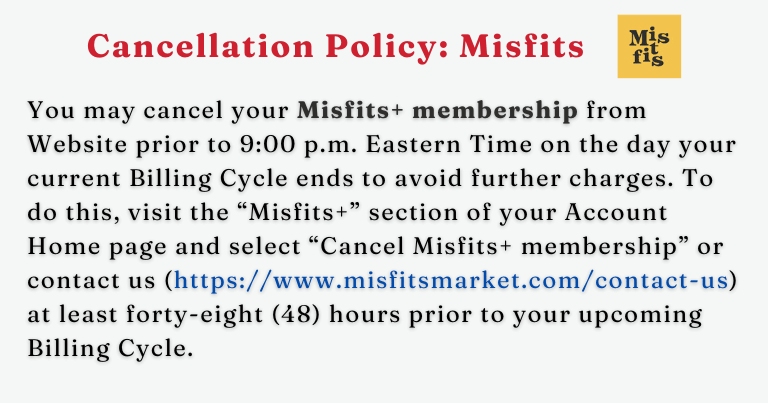
Cancellation Policy
Misfits Market offers two official ways to cancel: online in your account (the My Plan page for groceries, the Misfits+ section for the membership) or through its contact form.
The Terms of Service do not mention a cancellation fee. The deadlines differ by product. A Grocery Subscription cancellation sent through the contact form must arrive at least 48 hours before the billing date of your upcoming order. Misfits+ must be cancelled before 9:00 p.m. Eastern Time on the day your current billing cycle ends, or through the contact form at least 48 hours before the next billing cycle. To cancel Misfits+ online, open the Misfits+ section of your Account Home page and select Cancel Misfits+ membership.
How to Cancel Misfits Market Subscription Online?
You cancel the Misfits Market Subscription online by first downgrading your account to a Flex plan and then requesting account cancellation.
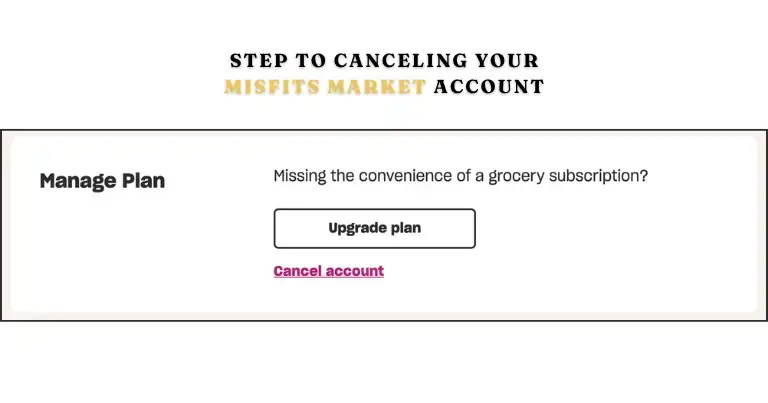
Follow the 5 easy steps below to cancel your subscription online from the official website:
- Visit https://www.misfitsmarket.com
- Log in to your Misfits Market account.
- Go to the My Plan page. If you are still on the Grocery Subscription, switch to the Flex Plan first (steps below).
- Scroll to the bottom and click the purple cancel plan link under the Upgrade Plan button.
- Click Cancel Account in the “Still want to cancel” pop-up.
The help center says you should get one confirmation email when you are moved to the Flex Plan and another when the account cancellation is complete.
An order that has already been billed will still ship. Switching to Flex or closing the account does not cancel it, and cancelling Misfits+ does not cancel your Grocery Subscription.
Cancel Misfits Market via the Contact Form
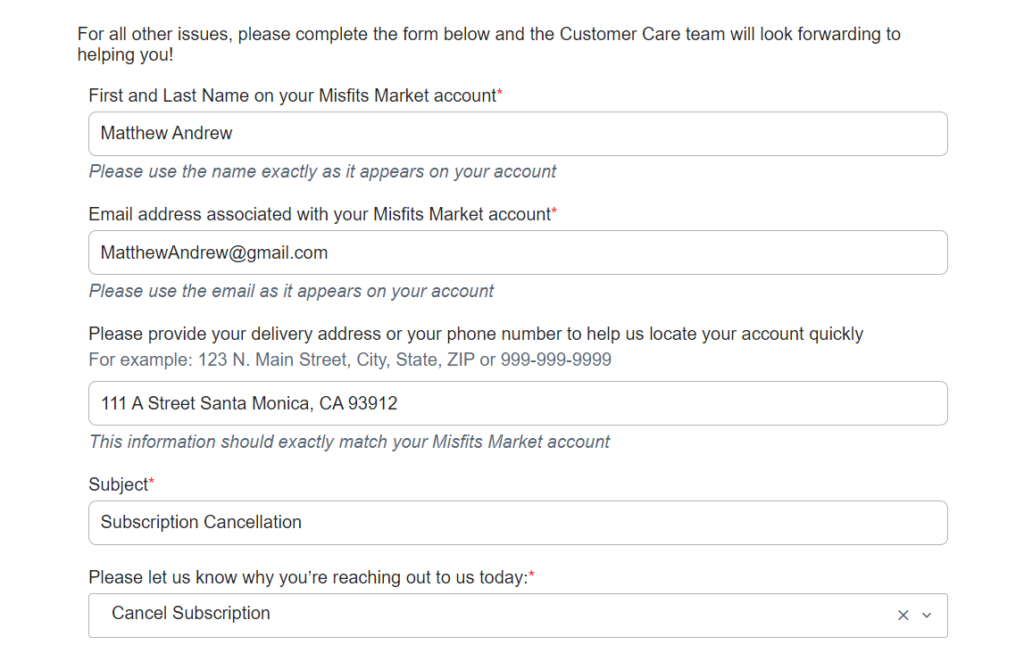
The form is useful if you cannot reach the cancel buttons or want Misfits+ cancelled by support:
- Open the Misfits Market Contact Us page.
- Enter the name and email address on your Misfits Market account.
- Pick the topic closest to cancelling your subscription or membership.
- Say exactly what to cancel: the Grocery Subscription, Misfits+, or the whole account.
- Send it at least 48 hours before your next order’s billing date (or before the next Misfits+ billing cycle).
- Keep the reply, then check that your account shows the Flex Plan or a cancelled membership.
If you encounter any problem while canceling, then you can message their assistance team using a contact form with error details.
How to Switch to the Flex Plan (Stop Automatic Orders)
The Flex Plan is order-as-you-go: your cart is not pre-filled, and you are only charged for orders you build that meet the order minimum during your shopping window.
To move your Grocery Subscription to the Flex Plan:
- Log in to your account.
- Go to the My Plan page.
- Scroll down to the Need a break? section.
- Click Pause or Cancel Subscription and follow the prompts to switch to the Flex Plan (a pause is offered in the same place).
Refund Policy
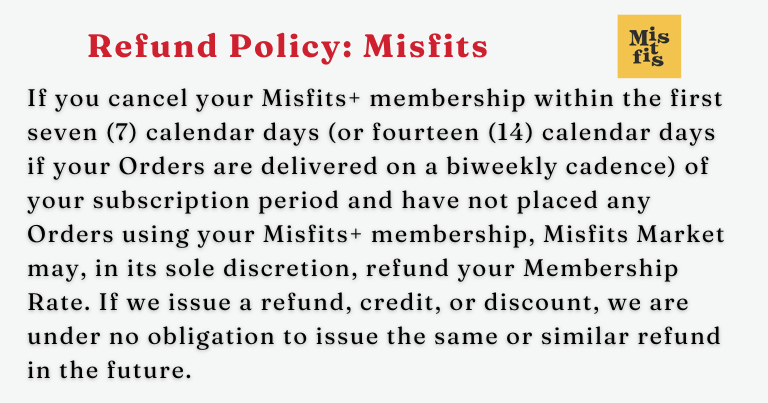
Misfits+ only: if you cancel within the first 7 calendar days of the membership (14 days if your orders are delivered every other week) and have not placed any orders using Misfits+, Misfits Market may refund the membership fee at its discretion. After that there is no refund, but you keep Misfits+ benefits until the end of the term. If you cancel during a free trial, access ends when you cancel.
For a problem with a delivered order, report it within 7 days of delivery. For orders from the last 14 days you can choose a refund to your original payment method or store credit; older orders get store credit only. Credits stay available only while you keep a valid account, so use any credit before you close yours.
How to get a refund from Misfits Market?
Log in, open Orders from the account menu and click Report Issue under the order number. Choose what went wrong, fill in the short form, then pick a refund or store credit and click Confirm Refund Selection.
How to contact Misfits Market customer support
Misfits Market does not publish a support phone number or email address in its Terms of Service or FAQ; help requests go through the contact form.
| Contact Information | Details |
|---|---|
| Contact form | misfitsmarket.com/contact-us |
| Help center | help.misfitsmarket.com |
| Legal notices address | Misfits Market, Inc., c/o Imperfect Foods, Inc., 7481 Coca Cola Drive, Hanover, MD 21076 (per the Terms of Service) |
Social Media Accounts
| Information | Details |
|---|---|
| https://www.facebook.com/misfitsmarket/ | |
| https://www.instagram.com/misfitsmarket/ | |
| X | https://twitter.com/misfitsmarket |
| https://www.pinterest.com/misfitsmarket/ | |
| TikTok | https://www.tiktok.com/@misfitsmarket |
| YouTube | https://www.youtube.com/@MisfitsMarket |